
Softphone: What is it and why your business needs one
Make and receive business calls from your computer, tablet, or mobile using an app. Stay connected anywhere without needing a desk phone.
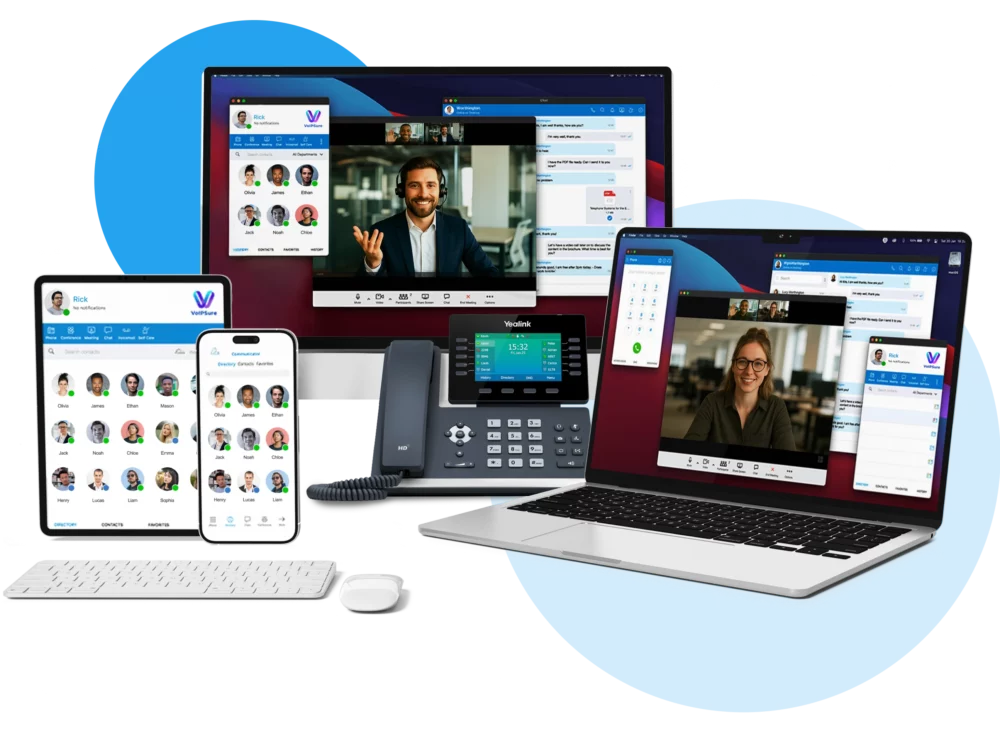
What is a softphone?
It’s basically a phone, just without the plastic handset and tangled cords. Instead, it’s software (usually a softphone app) that runs on your computer, tablet, or mobile. Think of it as turning your computer, tablet, or smartphone into a fully-featured business phone system.
Softphones connect through VoIP (voice over internet protocol), so rather than using traditional phone lines, your calls run over your broadband. This makes them flexible, cost-effective, and perfect for modern businesses.
Features like voicemail, call transfer, and contact directories are often built in. In short, a softphone gives you all the benefits of a business phone system, but with the freedom to use any device you like.
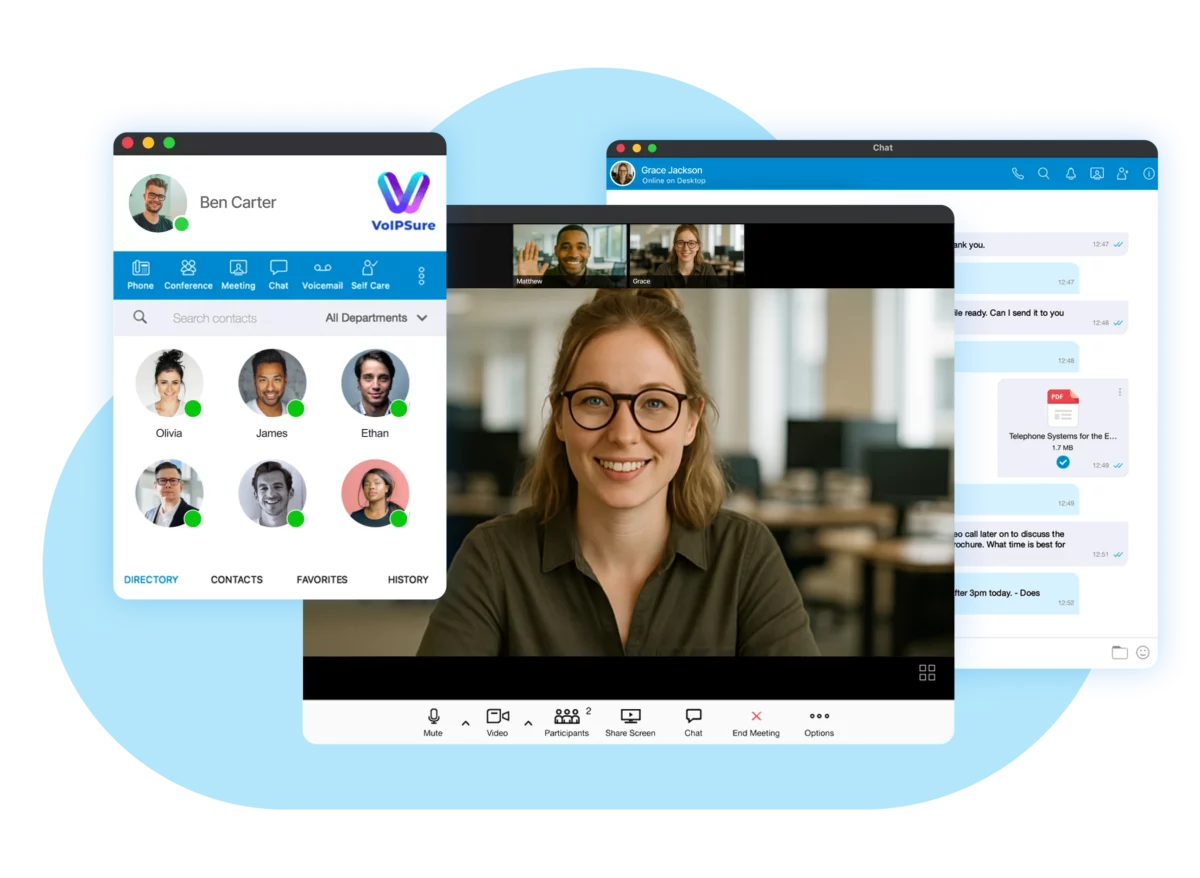
What are the benefits of a softphone for business?
Softphones are becoming the go-to choice for many businesses, and it’s easy to see why. Here’s how they can make a real difference to the way you work:
With a cloud softphone, your business number goes wherever you do. Whether you’re working from home, on the train, or visiting a client, you can make and receive calls as if you were in the office.
Because softphones don’t require desk phones or expensive hardware, they’re a cost-effective alternative for businesses. All you need is the softphone app and an internet connection, which makes scaling up far cheaper than traditional phone systems.
A softphone app looks and feels just like the calling app on your mobile, so there’s no steep learning curve. Your team can pick it up straight away, making the transition from desk phones simple and stress-free.
VoIP softphones offer more than just calling — think voicemail, call forwarding, and even presence indicators that show who’s available. These extras help your team stay organised and provide a more professional service to customers.



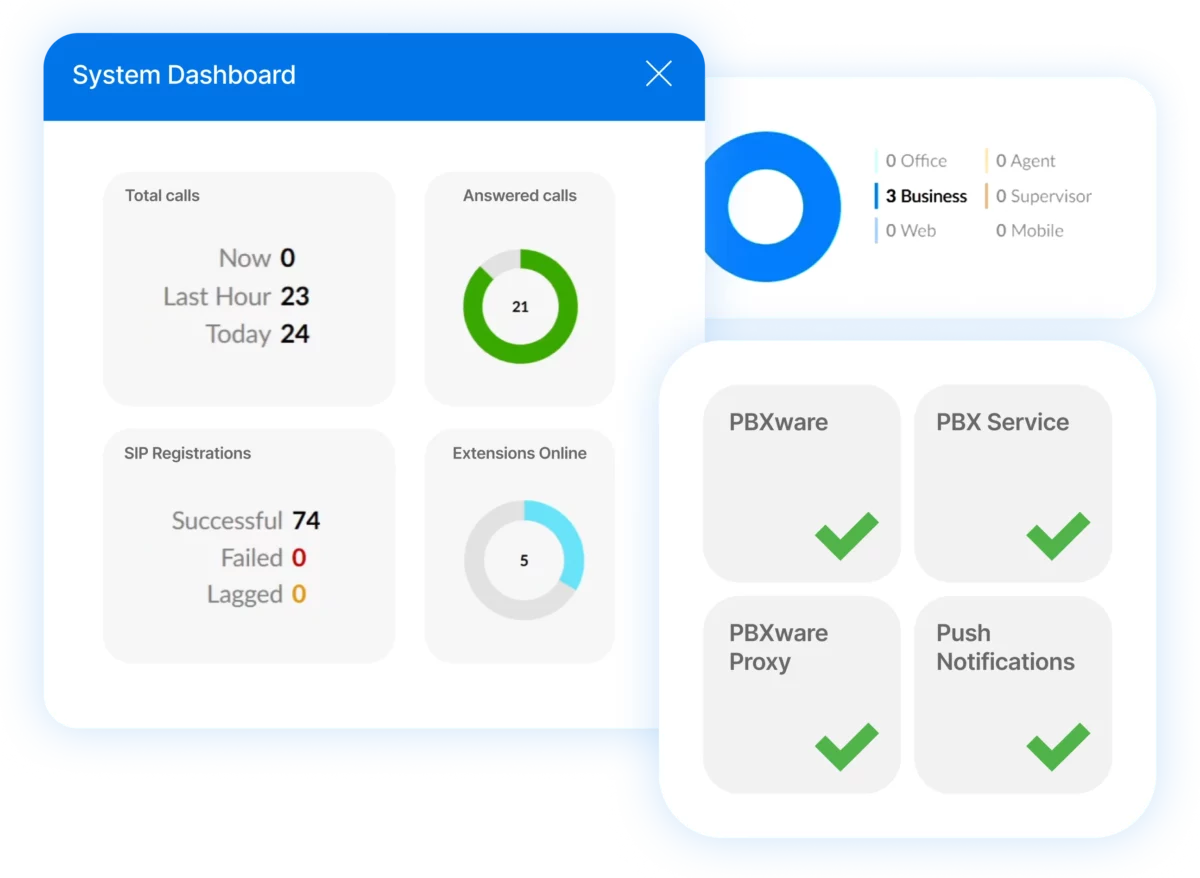
Essential softphone features every UK business needs
Today’s phones go far beyond basic calling. They’re packed with powerful features that support flexible working, enhance productivity, and keep your team connected anywhere.
1. HD voice quality and call reliability
Modern softphones deliver crystal-clear audio that’s often better than traditional phones. Advanced codecs ensure your voice comes through clearly, even on slower internet connections. Automatic quality adjustments mean calls stay clear when your bandwidth changes.
2. Mobile and desktop apps
The best business softphones work on any device. Your team gets native apps for Windows, Mac, iOS, and Android. Everything syncs automatically, so contacts and call history appear everywhere. Switch between devices mid-call without dropping the connection.
3. CRM integration capabilities
Softphones can connect directly to your customer management system. When someone calls, their details pop up automatically. You can log calls, add notes, and update records without switching applications. Popular integrations include Salesforce, HubSpot, and Microsoft Dynamics.
4. Advanced call management
Professional softphones include features like call queuing, routing, and analytics. Set up ring groups so calls reach the right department. Create custom greetings for different times of day. Track call volumes and response times to improve service.
5. Video calling and screen sharing
Many softphones include video calling as standard. Host face-to-face meetings without separate software. Share your screen to walk customers through processes. Record important calls for training or compliance purposes.
6. Presence and instant messaging
See who’s available before transferring calls. Send quick messages to colleagues during calls. Set your status to let others know when you’re busy. These features reduce interruptions and improve team coordination.
Why choose B4BC
Award-winning service
Our VoIPSure platform has won multiple industry awards for reliability and features. Advanced features come standard, not as expensive add-ons.
24/7 UK-based support
Our friendly support team is based in the UK and available around the clock. You’ll always speak to a real person, never an automated system.
Same-day setup
Most providers make you wait weeks for new phone systems. We can often get your softphones working the same day you sign up.
Reliable and secure network
With 99.999% uptime, you can count on us for dependable connectivity. Your calls will always get through when they matter most.
CRM integrations
Our local numbers link directly with your CRM, so you can connect calls with customer records and improve follow-up.
All-in-one communications package
Why deal with multiple providers? We bundle softphones with fast broadband, mobile services, and ongoing support.
What our customers say
Matthew Burton
I have used B4BC for almost 6 years now with my existing business & when it came to setting up my broadband / phone provisions for a new business I went straight to B4BC. These guys have exceptional customer service & take all the stress off your plate so you can focus on the million other things you need to take care of within your business. Could not recommend any higher!
Krishna Pariyar
B4BC has been the best system that I have used so far. They have solutions for every business phone system. The app works on both the desktop and phone, which have made operations convenient. Their support is great with response time and requests. And it’s really easy to reach the Account Manager through email, website chat support, phone and support ticket.
Dan Hall
I would highly recommend anyone to use B4BC for their phone and broadband needs. We have recently moved over to a VoIP system and the whole service from start to finish has been excellent.
Esther Wakeman
Absolutely thrilled with my experience after dealing with Best 4 Business. Not only have they saved our business a significant amount of money, but it has been a breeze to do. Efficient and friendly team.
Darren Lashford
Use B4BC for all our telecoms and its a breath of fresh air compared to who we used before. Recently moved our energy management through them and I’m equally as impressed. I wouldn’t hesitate for a second to recommend them.
Sarah Lowe
Fortunately getting in touch with the team at Best 4 Business is very easy, there are no long call queues so you’re not left on hold for ages & you don’t have to go through lots of different options before being connected to an actual person. The issues I have experienced have been dealt with immediately.
Conor Alexander
We’ve been working with B4BC for many years and they’ve consistently been a pleasure to deal with. Most recently, they upgraded our broadband and phone system – everything was handled smoothly and went exactly as planned.
Philip Wright
Working with Best 4 Business on a Communication system plan that provided modern solutions has been an absolute pleasure. The information afforded, depth of knowledge and flexibility provided was perfect for our future business requirements.
Mark James Morsley
Changing my entire office phone system and broadband is no small task, in fact it’s quite daunting. However luckily or really thanks to Google I found Best4 Business. These guys at B2B are just brilliant! I now have a new VOIP phone system, massively quick broadband, great phones, ongoing support and I have saved nearly £200 a month. Happy owner!!
Stuart Turley
Excellent service and support from these guys. It makes a change to be able to actually talk to someone when you require help without jumping through hoops, I would highly recommend them.
Matthew McKenna
Fantastic service from Best 4 Business Communications. I found this company online on Tuesday and within 2 days they had an engineer on site! We had been unable to get BT in for four weeks now.
Piotr Silwinski
I wholeheartedly recommend B4BC as an internet solution provider. Their outstanding customer service, technical expertise, everyday support make them the ideal partner. Thank you, B4BC, for your unwavering support and for keeping me connected every day!
Ready to upgrade your business phone system?
Give your team the freedom to work from anywhere without losing the professional edge. With B4BC’s softphone solutions, you’ll improve call quality, support flexible working, and keep every customer interaction seamless — no matter where your team is.
Get in touch today and let our UK-based experts build the right setup for your business.
Softphone FAQs
A softphone works by turning your computer, tablet, or mobile into a phone through a VoIP connection. Instead of relying on a landline, it uses your internet connection to make and receive calls. With the right softphone app, you can also access features like voicemail, call forwarding, and contact directories, all from one device.
Setting up a softphone is simple. You download a softphone app onto your device, log in with your account details, and connect it to your VoIP phone system. From there, you can start making and receiving calls instantly. With B4BC, we handle the setup for you, so you’re ready to go the same day.
Not exactly. VoIP (Voice over Internet Protocol) is the technology that carries calls over the internet. A softphone is the software or app that lets you use VoIP on your device. Put simply, VoIP is the engine, while the softphone is the tool that makes it easy to use.
The best softphone depends on your business needs. Popular options like Zoiper or Bria are widely used, but many businesses prefer a softphone that comes as part of their phone system. B4BC’s softphone is integrated into our VoIPSure platform, giving you reliable performance, advanced features, and full UK support in one package.
