What is the best cloud PBX for your business?
Are you struggling with an outdated phone system that hinders your business communication rather than helping it?
You’re not alone. Many businesses today are realising the limitations of traditional phone lines and seeking a modern alternative.
This article will help you find the best cloud PBX for your business. We’ll delve into what Cloud PBX is, why it’s a critical tool for modern businesses, and compare the leading providers to ensure you make an informed decision.
What is cloud PBX and why does your business need one?
Let’s start with the basics. Cloud PBX, short for Cloud Private Branch Exchange, is a cloud phone system that operates entirely over the internet.
Unlike traditional PBX systems that require bulky, expensive hardware installed on your premises, a Cloud PBX resides in a provider’s data centre. This means you access all its features and functionalities through a web-based interface or dedicated apps on your computers and mobile devices.
Think of it as your entire phone system, from call routing to voicemail, being hosted and managed by a third-party provider, accessible from anywhere with an internet connection. It uses Voice over Internet Protocol (VoIP) technology to make and receive calls, transforming analog voice signals into digital packets that travel over your internet connection.
Now, why does your business need one? The benefits are compelling and directly address many pain points businesses face with legacy systems:
- Cost Savings: Immediately, you eliminate the significant upfront costs of traditional PBX hardware, its installation, and ongoing maintenance. Cloud PBX typically operates on a subscription model, making costs predictable and scalable.
- Scalability and Flexibility: Is your business growing? Scaling up or down with a Cloud PBX is effortless. Adding or removing users, lines, and features takes minutes, not weeks. This adaptability is crucial for businesses with fluctuating staffing needs or seasonal demands.
- Enhanced Features: Beyond basic calling, Cloud PBX systems offer a rich array of advanced features designed to boost productivity and customer service. These include auto-attendants, call forwarding, voicemail-to-email, call recording, conferencing, instant messaging, and CRM integrations.
- Mobility and Remote Work Support: Cloud PBX allows your employees to work from anywhere, using their business numbers on their laptops, smartphones, or desk phones, maintaining a professional presence regardless of their physical location.
- Reliability and Disaster Recovery: Cloud PBX providers typically offer high levels of uptime and built-in redundancy, often surpassing the reliability of on-premise systems. In case of a local outage, calls can be seamlessly rerouted, ensuring business continuity.
- Simplified Management: You no longer need dedicated IT staff to manage complex phone systems. Your provider handles the technical heavy lifting, allowing you to focus on your core business operations.
In essence, a Cloud PBX is not just a phone system; it’s a unified communications platform that streamlines your internal and external interactions, leading to improved efficiency, better customer experiences, and significant cost advantages. It’s a strategic investment in your business’s future communication infrastructure.
How do you pick the best cloud PBX for your business?
Choosing the best Cloud PBX is a significant decision. With numerous providers and feature sets available, how do you cut through the noise and find what truly fits your business? Our evaluation criteria focus on the most critical aspects, ensuring you consider all relevant factors before committing.
Here’s what we consider when assessing Cloud PBX providers:
- Core PBX Features: Does it offer the fundamental features your business needs? This includes essential call management (hold, transfer, park), voicemail, auto-attendant, caller ID, and simultaneous ringing. Without these basics, any advanced features are moot.
- Advanced Unified Communications (UC) Capabilities: Beyond basic telephony, does the platform integrate other communication tools? We look for video conferencing, instant messaging, team collaboration tools, screen sharing, and presence indicators. A true UC solution brings everything under one roof.
- Ease of Use and Management: Is the administrative interface intuitive? Can users easily manage their settings, access features, and onboard new employees without extensive training? A complex system will lead to adoption issues and frustration.
- Reliability and Uptime Guarantees: Can you count on the service being available when you need it most? We scrutinize Service Level Agreements (SLAs) for uptime guarantees, redundant infrastructure, and geographic diversity. Downtime means lost business.
- Call Quality: This is non-negotiable. Is the audio clear, consistent, and free from latency or jitter? We assess provider network infrastructure, codecs used, and Quality of Service (QoS) recommendations.
- Integration Capabilities: Does the Cloud PBX play well with your existing business software? We look for integrations with popular CRM systems (Salesforce, HubSpot), helpdesk platforms (Zendesk), email, and calendar applications. Seamless integration boosts productivity.
- Customer Support: What kind of support does the provider offer? Availability (24/7), channels (phone, email, chat), response times, and the quality of technical assistance are crucial. When things go wrong, you need reliable help.
- Security and Compliance: How does the provider protect your communication data? We evaluate encryption standards, data privacy policies, and compliance certifications (HIPAA, GDPR, SOC 2). Security breaches are costly.
- Pricing Structure and Transparency: Is the pricing clear, predictable, and scalable? We look for competitive pricing models, transparent billing, and a clear understanding of what’s included (and what’s extra) in each plan. Hidden fees are a red flag.
- Scalability: Can the system grow with your business? Does it easily accommodate more users, new locations, and increased call volumes without requiring a complete overhaul? Future-proofing your communication system is vital.
By systematically applying these criteria, you can objectively compare providers and identify the Cloud PBX solution that not only meets your current needs but also supports your long-term business goals.
Which are the best cloud PBX providers?
Navigating the landscape of Cloud PBX providers can be overwhelming. To simplify your search, we’ve thoroughly evaluated and compared some of the industry’s leading players. Each offers unique strengths, and understanding these differences will help you align a provider with your specific requirements.
Let’s dive in.
1. Best 4 Business Communications (B4BC)
Overview: Best 4 Business Communications (yep, that’s us!) is a UK-based provider that focuses on delivering tailored, comprehensive communication solutions primarily to the SMB and enterprise markets.
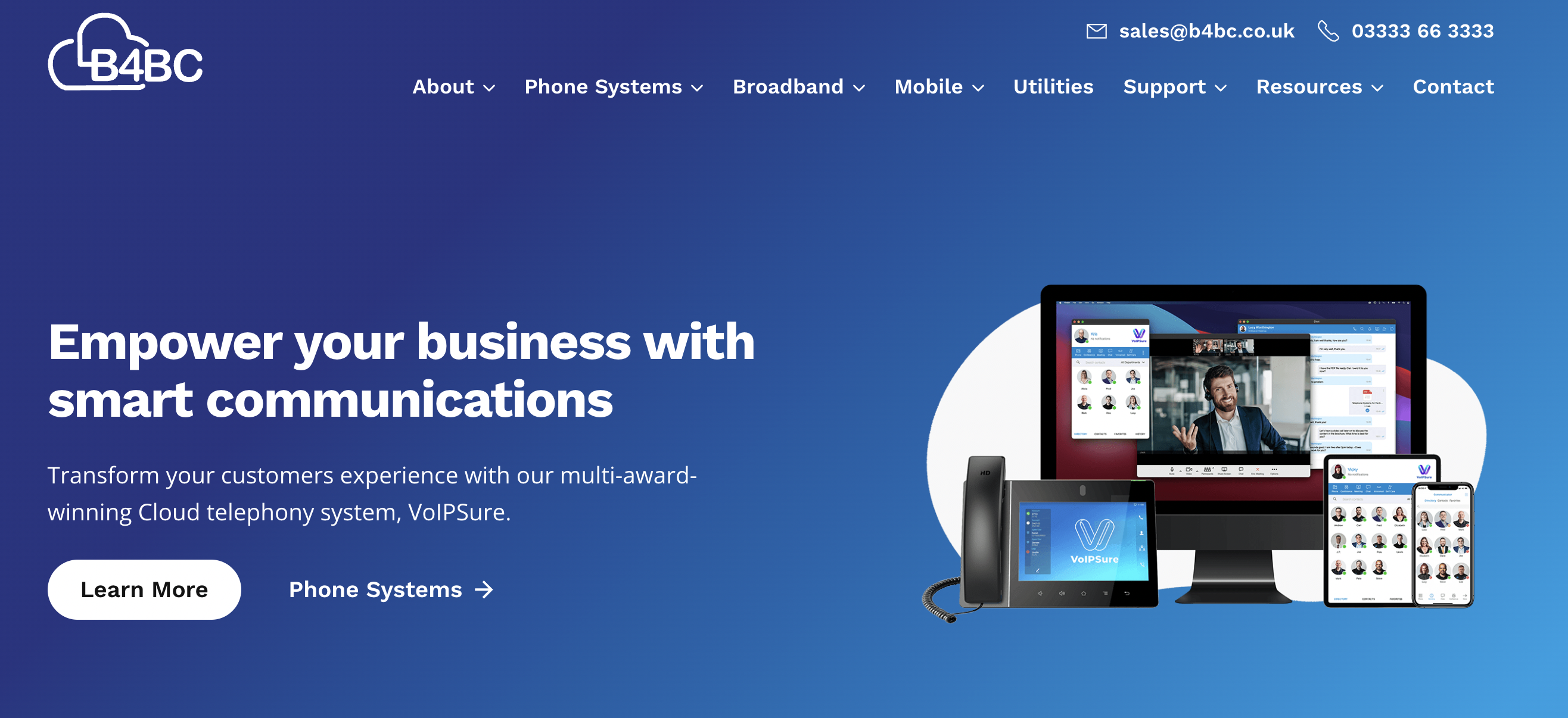
We pride ourselves on personalised service, robust features, and deep integrations with other business systems, offering a strong alternative to larger, more generalised providers. Their emphasis is often on building long-term relationships and providing bespoke solutions rather than a one-size-fits-all approach.
Key Features:
- Robust PBX Functionality: Full suite of call management features, auto-attendant, voicemail-to-email, call recording, call routing, and IVR.
- Unified Communications: Integrates voice, video conferencing, instant messaging, and presence indicators into a single platform.
- CRM Integration: Strong focus on integrating with leading CRM systems like Salesforce, HubSpot, and Microsoft Dynamics to streamline workflows and enhance customer interactions.
- Contact Center Solutions: Offers advanced contact center capabilities for businesses requiring sophisticated call queuing, agent management, and analytics.
- Global Reach (via partners): While headquartered in the UK, they can facilitate international communication solutions through partnerships.
- Tailored Solutions: Known for customizability and working closely with businesses to design systems that meet exact operational requirements.
- Dedicated Support: Emphasizes proactive and personalized customer support, often providing dedicated account managers.
Strengths:
- Customisation and Personalisation: Excellent for businesses with specific or complex communication needs that require a bespoke solution.
- Strong Integration Ecosystem: A major advantage for businesses that rely heavily on CRM or other business applications.
- Comprehensive Feature Set: Covers basic to advanced UC and contact center requirements.
- High-Touch Customer Service: Ideal for businesses that value dedicated support and partnership.
- Reliability: Focus on enterprise-grade infrastructure ensures high availability and call quality.
Weaknesses:
- Pricing Transparency: As solutions are often customized, immediate public pricing might be less transparent than off-the-shelf providers; requires a custom quote.
- Geographic Focus: Primarily serves the UK market, though international solutions are possible via partnerships, which might add complexity for truly global operations.
- Learning Curve: With a highly customizable platform, initial setup and learning might be more involved for administrators, though support helps mitigate this.
Best For: Small to medium-sized businesses in the UK that require customised, fully integrated, and robust unified communications solution. It’s an excellent choice for organizations valuing a dedicated partnership, advanced contact center features, and seamless CRM integration over a simple, out-of-the-box system.
2. 8×8
Overview: 8×8 is a global leader in integrated cloud communications, providing a comprehensive platform that combines voice, video, chat, and contact center solutions.
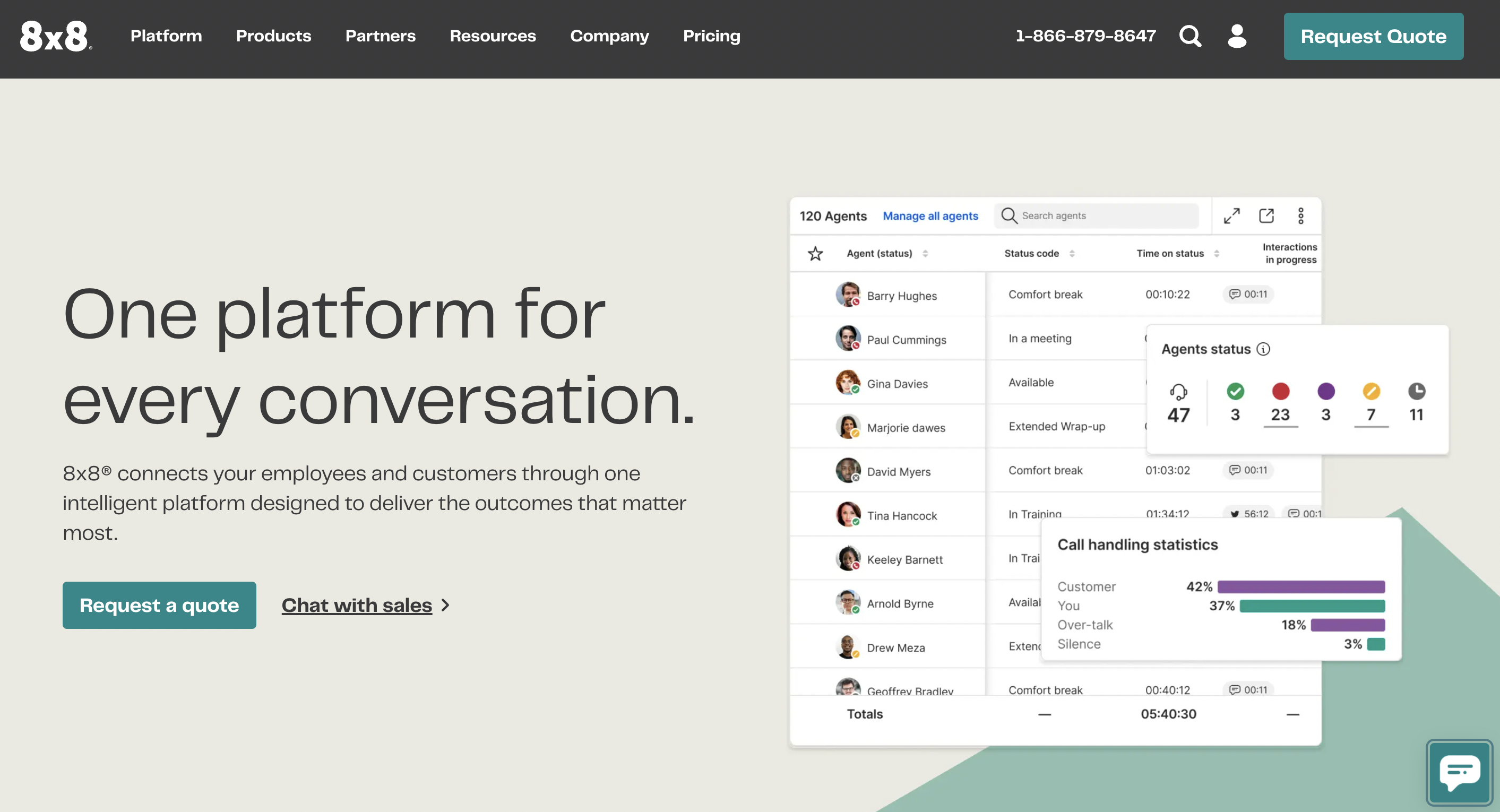
They cater to businesses of all sizes, from small teams to large enterprises, with a strong focus on reliability, scalability, and an all-in-one approach.
Key Features:
- Voice, Video, Chat: Unified platform for all communication modes.
- Global Voice Coverage: Offers local numbers and calling plans in over 40 countries, with unlimited calling to many international destinations.
- Integrated Contact Center: Robust contact center capabilities including ACD, IVR, omni-channel routing, and advanced analytics.
- CRM Integrations: Connects with popular CRM and business applications like Salesforce, Microsoft Dynamics, Zendesk, and HubSpot.
- Analytics and Reporting: Comprehensive tools to monitor call performance, agent productivity, and customer interactions.
- High-Quality Video Meetings: Secure video conferencing with screen sharing and collaboration tools.
- Enterprise-Grade Security: Robust security features and compliance certifications.
Strengths:
- Global Reach: Unmatched global presence for businesses with international teams or customers.
- All-in-One Solution: Consolidates PBX, UC, and contact center functionalities, simplifying vendor management.
- Scalability: Easily scales to accommodate businesses from small to very large enterprises.
- Reliability: Known for enterprise-grade uptime and call quality.
- Strong Analytics: Provides deep insights into communication performance.
Weaknesses:
- Pricing Complexity: While offering various plans, the extensive feature set can sometimes lead to complex pricing structures, especially for contact center components.
- Feature Overload: Smaller businesses might find the sheer number of features overwhelming or pay for capabilities they don’t fully utilize.
- Learning Curve: The comprehensive nature of the platform can have a steeper learning curve for new users and administrators.
Best For: Global businesses, large enterprises, and companies with significant contact center operations that need a truly unified, robust, and scalable cloud communications platform with strong international capabilities.
3. Microsoft Teams Phone
Overview: Microsoft Teams Phone is Microsoft’s cloud-based phone system solution that integrates directly into the Microsoft Teams collaboration platform.
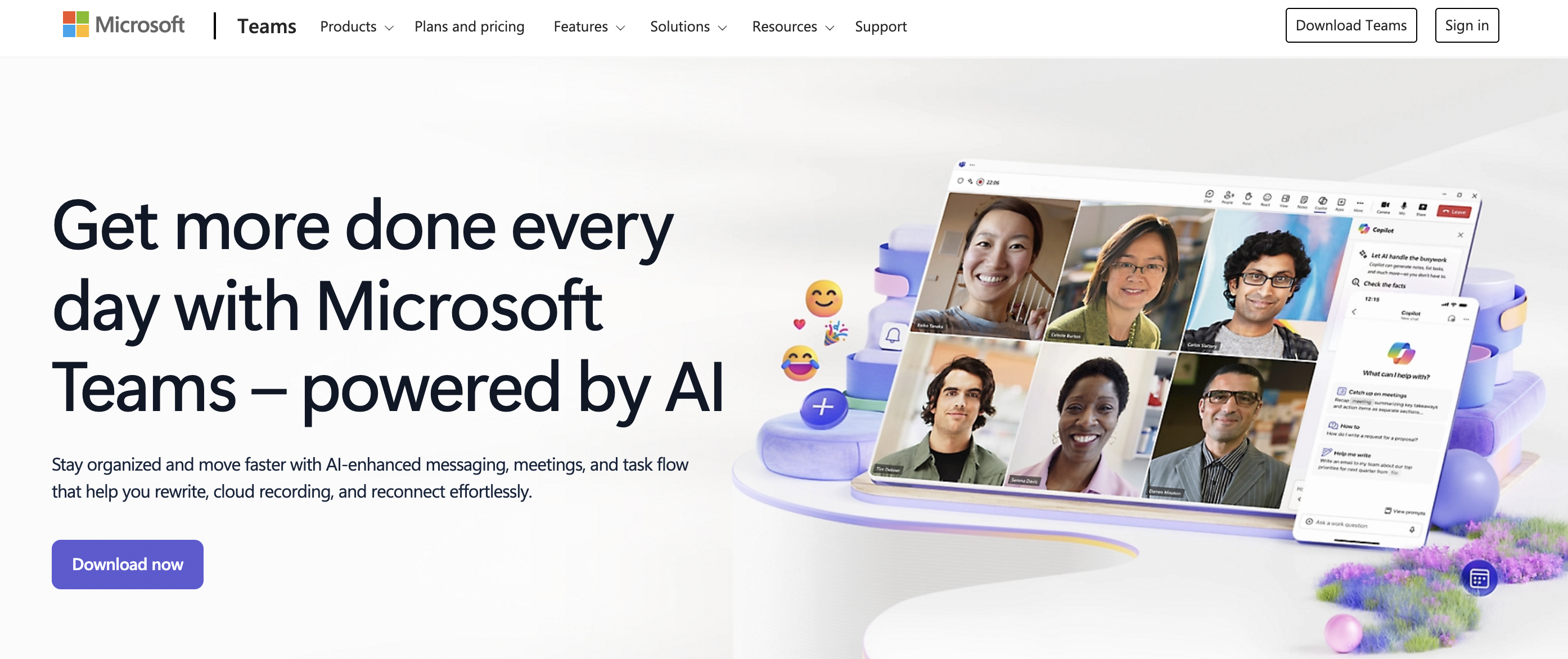
It transforms Teams into a full-featured PBX, allowing users to make and receive calls to and from external phone numbers, leveraging Microsoft’s vast ecosystem.
Key Features:
- Deep Teams Integration: Seamlessly integrates calling into your existing Teams environment, alongside chat, video meetings, and file sharing.
- Direct Routing & Calling Plans: Offers flexibility with Microsoft Calling Plans (for domestic/international calls) or Direct Routing (connecting your own SIP trunks).
- Core PBX Features: Includes auto-attendant, call queues, call transfer, voicemail, caller ID, and hold music.
- Advanced Features: Supports call recording, compliance recording, and integration with certified devices.
- Unified Communications: Leverages Teams’ full UC suite for internal and external communication.
- Global Availability: Supported in numerous countries, benefiting from Microsoft’s global infrastructure.
Strengths:
- Native Microsoft Ecosystem Integration: Unbeatable for businesses already heavily invested in Microsoft 365. It provides a truly unified experience without switching applications.
- Familiar User Interface: Employees already using Teams will find the phone system intuitive.
- Comprehensive Collaboration: Combines telephony with team chat, video conferencing, and document sharing in one app.
- Scalability: Easily scales with your Microsoft 365 subscription.
- Security and Compliance: Benefits from Microsoft’s enterprise-grade security and compliance standards.
Weaknesses:
- Requires Microsoft 365: Not a standalone solution; you must have a Microsoft 365 subscription.
- Add-on Pricing: The Phone System functionality is often an add-on to existing Teams licenses, potentially increasing overall costs. Calling Plans are also separate.
- Complexity of Setup: Direct Routing can be complex to set up without specialized IT knowledge or a trusted partner.
- Feature Parity: While rapidly evolving, some advanced contact center features might require third-party integrations compared to dedicated contact center providers.
Best For: Businesses already using or planning to fully adopt Microsoft 365 as their primary productivity and collaboration suite. It’s ideal for organizations seeking a deeply integrated, all-in-one platform for communication and teamwork, leveraging a familiar interface.
4. Zoom Phone
Overview: Zoom Phone is Zoom’s cloud-based phone system, built directly into the popular Zoom platform.
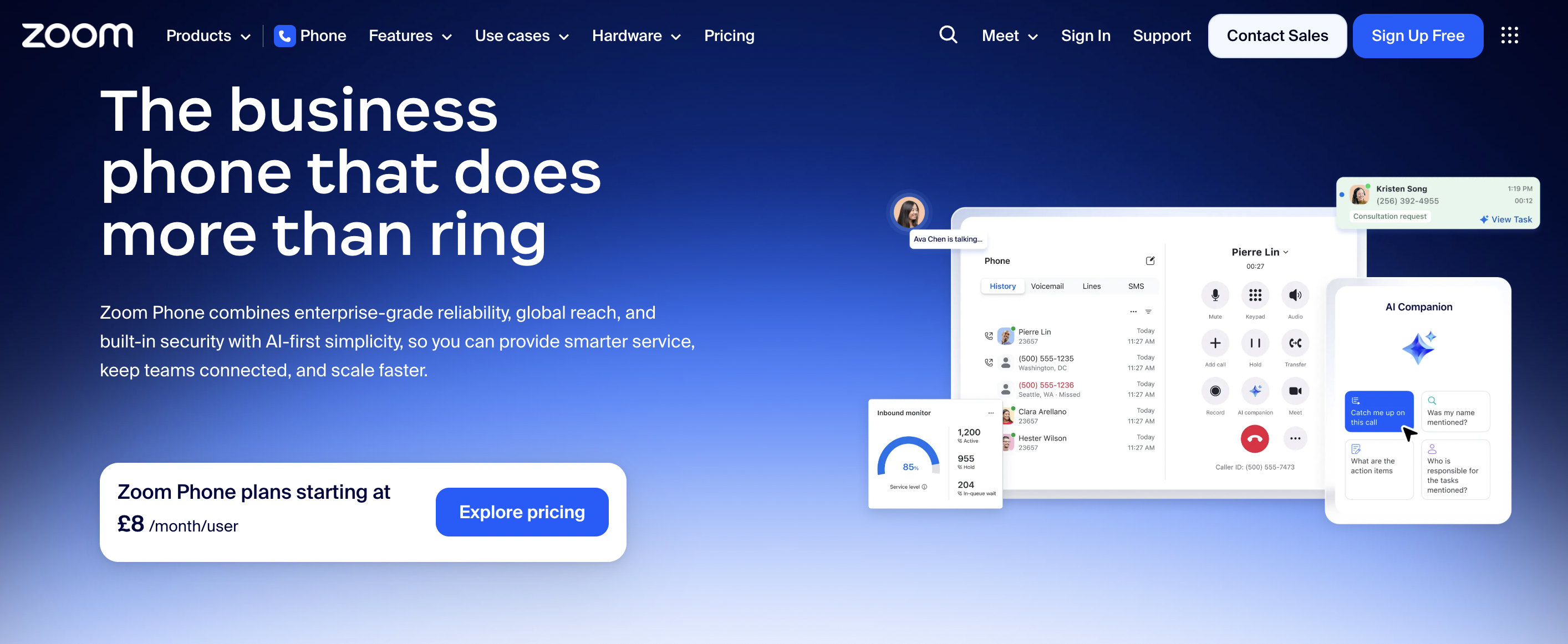
It extends Zoom’s renowned video conferencing capabilities to include enterprise-grade telephony, allowing users to make and receive calls from external numbers through the Zoom app.
Key Features:
- Integrated with Zoom Meetings: Seamlessly transition from a phone call to a video meeting with a single click.
- Global Calling: Offers local numbers and calling plans in many countries, supporting international communications.
- Standard PBX Features: Auto-attendant, call queues, call routing, voicemail, call recording, and call forwarding.
- Advanced Call Management: Features like shared line appearance, call delegation, and executive assistant features.
- Voicemail Transcription: Converts voicemails to text for easy review.
- Desktop & Mobile Apps: Consistent user experience across various devices.
- SMS/MMS Capabilities: For business texting within the platform.
Strengths:
- Exceptional User Experience: Leverages Zoom’s intuitive and widely adopted interface, making it very easy for users to pick up.
- Seamless Meetings-to-Phone Integration: Unparalleled ability to move between voice calls and video meetings.
- High Call Quality: Benefits from Zoom’s robust global infrastructure, delivering reliable audio.
- Strong Mobile Experience: Excellent mobile application for on-the-go communication.
- Flexible Deployment: Offers both native Zoom Calling Plans and options for Bring Your Own Carrier (BYOC).
Weaknesses:
- Primary Focus on Meetings: While improving, its core identity is still heavily tied to video meetings, which might influence feature prioritization.
- Integration Ecosystem: While good, it might not be as broad or deep with certain niche business applications compared to more established UC providers.
- Cost for Non-Zoom Users: If you’re not already a heavy Zoom Meetings user, the value proposition might be less compelling compared to dedicated phone systems.
Best For: Businesses that heavily rely on Zoom for video conferencing and want to consolidate their communication tools into a single, user-friendly platform. It’s ideal for remote and hybrid workforces prioritizing ease of use, high-quality audio/video, and a unified experience.
5. Vonage
Overview: Vonage, now part of Ericsson, is a veteran in the VoIP and cloud communications space, offering a comprehensive suite of unified communications (UC) and contact center solutions.
They cater to businesses of all sizes, from small offices to large enterprises, with a strong focus on flexibility, API integration, and customizability through their Vonage Communications Platform (VCP).
Key Features:
- Unified Communications (UCaaS): Combines business phone, video meetings, team messaging, and CRM integrations.
- Contact Center as a Service (CCaaS): Robust solutions for inbound/outbound call centers, omni-channel routing, WFO, and analytics.
- API-Driven Platform: Offers extensive APIs (voice, SMS, video, verify) for custom integrations and embedding communications into existing applications.
- Global Reach: Provides local numbers and international calling plans for businesses with a global footprint.
- Advanced Call Features: Auto-attendant, call queues, call recording, voicemail-to-email, call flip, and hot desking.
- CRM and Business App Integrations: Connects with popular platforms like Salesforce, Microsoft Dynamics, Zendesk, and G Suite.
- AI Capabilities: Integrating AI for enhanced customer experience and agent assistance.
Strengths:
- Extensive API Platform: Unparalleled customization and integration capabilities for developers and businesses with unique needs.
- Strong UC and CCaaS Offering: A comprehensive solution for both internal communications and customer service.
- Flexibility: Caters to a wide range of business sizes and complexities.
- Global Infrastructure: Reliable service with a strong global presence.
- Feature-Rich: Offers a vast array of features covering almost any communication requirement.
Weaknesses:
- Pricing Complexity: The breadth of features and API options can lead to complex pricing, requiring detailed discussions to get an accurate quote.
- Learning Curve: The sheer depth of the platform, especially for advanced features and API usage, might present a steeper learning curve.
- User Interface: While functional, the UI for some components might feel less modern or intuitive compared to newer, single-focus platforms.
- Support Consistency: Experiences with customer support can vary depending on the complexity of the issue.
Best For: Businesses requiring deep customization through APIs, particularly those looking to embed communications directly into their proprietary applications or workflows. It’s also an excellent choice for large enterprises and contact centers that need a highly flexible, feature-rich, and scalable UCaaS/CCaaS solution with global capabilities.
Making your final decision on the best cloud PBX
You’ve explored the landscape of top Cloud PBX providers, but now comes the critical part: making the right decision for your business. This isn’t a one-size-fits-all choice. Follow these actionable steps to ensure you select the best Cloud PBX partner.
1. Define your non-negotiables
Before you even talk to a sales representative, you must have a clear understanding of your absolute requirements. What features simply cannot be compromised?
- Identify Your Core Needs: Are you primarily looking for basic call functionality, or do you need advanced features like contact center capabilities, CRM integration, or specific compliance certifications (e.g., HIPAA for healthcare)?
- User Count and Growth Projections: How many users do you have today? How many do you anticipate having in 1, 3, and 5 years? Your chosen solution must scale effortlessly.
- Budget Constraints: What is your maximum monthly or annual budget? Be realistic, but also consider the potential ROI of enhanced communication.
- Geographic Requirements: Do you have international offices or remote employees in different countries? Do you need local numbers in specific regions?
- Existing Technology Stack: Which CRM, ERP, or collaboration tools (like Microsoft 365 or Google Workspace) are you already using? Seamless integration is key to avoiding siloed workflows.
- Critical Integrations: List out every piece of software that must integrate with your new phone system.
Action: Create a detailed checklist of “must-have” features and capabilities. This list will serve as your primary filter.
2. Request demos and free trials
Seeing is believing, and hands-on experience is invaluable. Don’t rely solely on marketing materials or sales pitches.
- Schedule Personalized Demos: Engage with the sales teams of your top 2-3 providers. Ask them to specifically demonstrate how their platform addresses your non-negotiables. Prepare a list of questions in advance.
- Utilize Free Trials (if available): Many providers offer a free trial period. This is your opportunity to test the system in a real-world scenario.
- Assign Power Users: Designate a few tech-savvy employees from different departments to participate in the trial.
- Test Key Features: Ensure call quality, ease of use, and essential features work as expected.
- Evaluate Support: How responsive and helpful is the provider’s support during the trial?
- Focus on the User Experience: Can your employees easily make calls, check voicemail, and use advanced features? A complicated system will lead to low adoption.
Action: Block out time for multiple demos and actively participate in any available free trials.
3. Get custom quotes
Pricing structures can vary significantly, and advertised rates may not reflect your exact needs.
- Provide Detailed Requirements: When requesting a quote, furnish providers with your exact user count, desired features, integration needs, and calling plan requirements (e.g., unlimited domestic, international minutes).
- Understand What’s Included: Clarify what is covered in each plan. Are taxes, regulatory fees, hardware (if applicable), setup fees, and premium support included, or are they extra?
- Compare Apples to Apples: Create a spreadsheet to compare quotes side-by-side, detailing costs per user, per month, and any one-time fees. Look beyond the headline price.
- Ask About Contracts: Understand contract lengths, cancellation policies, and any early termination fees.
Action: Insist on detailed, transparent quotes that account for all your specified needs.
4. Talk to references
Hearing from current customers can provide invaluable, unbiased insights.
- Ask Providers for References: Request references from companies similar to yours in size and industry.
- Ask Targeted Questions: When speaking with references, inquire about:
- Their overall satisfaction with the service and support.
- The ease of implementation and onboarding.
- Any challenges they faced and how the provider addressed them.
- The actual call quality and reliability.
- How the system has impacted their business (e.g., cost savings, productivity gains).
- Look Beyond Provided References: If possible, seek out independent reviews on reputable business software review sites or professional networking platforms.
Action: Reach out to references and ask specific questions to gain a realistic perspective.
5. Plan for implementation
A smooth transition is crucial to minimize disruption to your business.
- Discuss Implementation Process: Ask potential providers about their implementation process. Do they offer dedicated project managers? What’s the typical timeline?
- Porting Existing Numbers: Confirm the process for porting your existing business phone numbers. How long does it take, and what’s involved? This is a critical step for business continuity.
- Training and Onboarding: What training resources are available for your administrators and end-users? Do they offer live training, video tutorials, or extensive documentation?
- Hardware Compatibility: If you plan to use IP phones, ensure they are compatible with the chosen system. Will you purchase new phones, or can you reuse existing ones?
- Internet Connection: Review your current internet bandwidth. Will it be sufficient to support your new Cloud PBX system with good call quality? Many providers offer tools to test your network readiness.
Action: Develop a preliminary implementation plan with your chosen provider to ensure a seamless rollout.
By diligently following these steps, you will systematically evaluate your options, gather necessary information, and make a confident, well-informed decision that sets your business up for communication success.
Cloud PBX FAQs
Which PBX is the best?
The best PBX depends on your business needs. For most modern businesses, a cloud PBX is the best option because it offers flexibility, scalability, and lower costs compared to an on-premise PBX. The right choice comes down to features, reliability, support, and how well it fits your team.
What is the best cloud-based phone system?
The best cloud-based phone system is one that matches your size, budget, and way of working. For small businesses, ease of use and value are key, while larger organisations may prioritise integrations, contact centre features, and advanced reporting. A reliable service provider with strong UK support is just as important as the technology itself.
How much does cloud PBX cost?
Cloud PBX typically costs per user, per month. Prices usually range from £10 to £35+ per user depending on features, calling plans, and support levels. Most businesses find it more cost-effective than maintaining traditional phone hardware.
Why is everyone switching to a cloud-based phone system?
Businesses are switching because cloud phone systems are more flexible, easier to manage, and support remote and hybrid working. They remove the need for expensive hardware and allow teams to make and receive calls from anywhere. For many, it’s a future-proof upgrade from legacy phone systems.
How reliable is a Cloud PBX system?
A Cloud PBX is highly reliable when provided by a reputable provider. Most platforms are built on redundant infrastructure with uptime guarantees and automatic failover. In many cases, cloud systems are more reliable than traditional on-site phone systems.
What features should I look for in the best cloud PBX?
Key features include call routing, auto-attendant, voicemail to email, call recording, mobile and desktop apps, and CRM integration. For growing businesses, scalability, call analytics, and strong customer support are also essential. The best cloud PBX should improve both internal communication and customer experience.
Final thoughts
Choosing the best cloud PBX is not just about ticking feature boxes. It’s about finding a solution that genuinely supports how your business works today and how it will grow tomorrow. A reliable cloud phone system should simplify communication, improve customer experience, and give your team the freedom to work from anywhere without friction.
While there are plenty of capable providers on the market, the real difference often comes down to service, flexibility, and long-term support. That’s where B4BC stands out.
Rather than offering a one-size-fits-all platform, B4BC takes the time to understand your business and build a hosted PBX solution around your exact needs. From small businesses looking for a dependable virtual PBX to growing organisations needing advanced call handling and integrations, the focus is always on getting it right first time.
If you want a business phone system that’s easy to manage, backed by UK-based expertise, and supported by a team that treats your communication as mission-critical, B4BC is a strong choice. It’s not just about switching phones. It’s about partnering with a service provider that helps your business communicate better, every day.