VoIP and landline: Which is better for your business?
VoIP and landline phone systems both let you make and receive calls, but they work in very different ways.
With the UK moving away from traditional phone lines, many businesses are rethinking what they really need from their phones. Understanding the difference between VoIP and landline services makes it much easier to choose a setup that is cost-effective, reliable and ready for the future.
What is a landline?
A landline is a traditional phone service that uses physical copper wires to carry calls. These lines connect directly to the public switched telephone network, often shortened to PSTN, or older ISDN services. For decades, this was the standard way UK homes and businesses made calls.

The challenge now is that these networks are being switched off across the UK. Landlines are becoming more expensive to maintain, offer very limited features and are no longer being developed. That is why many businesses are starting to look at alternatives.
What is VoIP?
VoIP stands for Voice over Internet Protocol. Instead of using phone lines, it makes calls over your internet connection. As long as you have broadband, you can use VoIP on desk phones, mobiles, laptops or tablets.
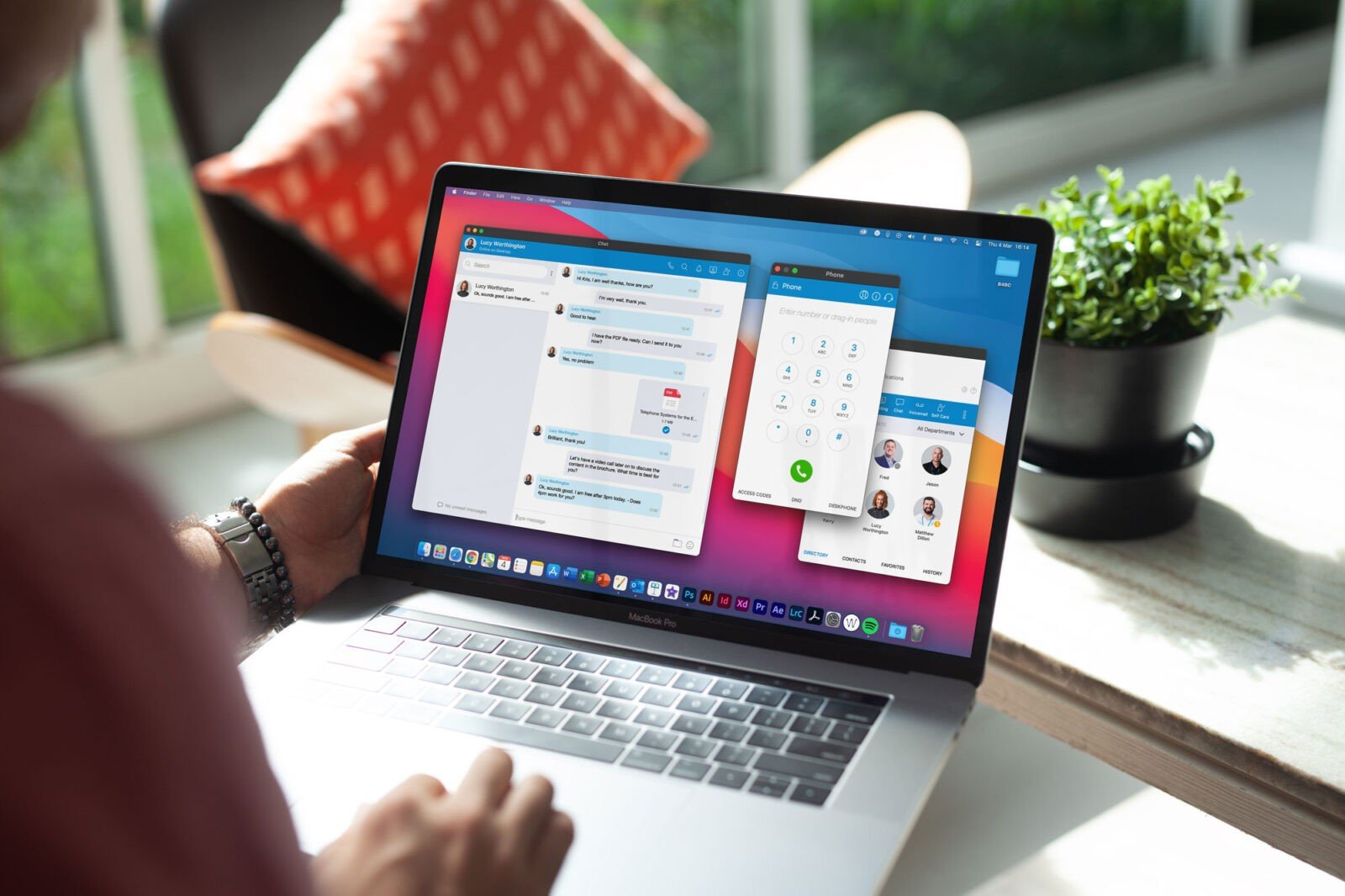
For businesses, VoIP offers far more flexibility. You can take calls from anywhere, add or remove users easily and access features like call forwarding and voicemail to email. Providers such as B4BC help UK businesses move to VoIP smoothly, without losing numbers or disrupting day-to-day work.
VoIP vs landline: Key differences
While both VoIP and landline systems let you make and receive calls, the experience of using them is very different.
Cost, flexibility and long-term suitability are often the biggest deciding factors for UK businesses.
The table below shows how VoIP and landline services compare side by side.
| Feature | VoIP (Voice over Internet Protocol) | Traditional Landline (PSTN) |
|---|---|---|
| Underlying Technology | Runs over your existing internet connection (e.g., fibre) | Uses old copper wire infrastructure (PSTN/ISDN) |
| Cost Structure | Low upfront cost; predictable monthly subscription (OpEx model) | High upfront hardware costs; ongoing line rental |
| Scalability | Extremely flexible; add or remove users instantly | Rigid and expensive to scale up or down |
| Features | Advanced features like video calls, call recording & analytics | Basic calling, voicemail, and caller ID only |
| Flexibility for Remote Work | Seamlessly supports remote and hybrid teams with mobile apps | Tied to a physical desk in a specific location |
| Future-Proofing | Aligned with the UK’s all-digital future | Technology is being retired by 2027 |
As you can see, the comparison highlights a fundamental shift. Landlines are a product of a bygone era, while VoIP is built for the way businesses operate today—and tomorrow.
Pros and cons of VoIP
VoIP has become the go-to phone system for many UK businesses because it offers far more flexibility than traditional phone lines. Below is a clear breakdown of the main advantages and disadvantages to help you decide if it is the right fit.
Pros of VoIP
VoIP brings together cost savings, flexibility and modern features. For most businesses, these benefits quickly outweigh the downsides.
- Lower monthly costs and cheaper call rates, especially for UK and international calls
- Flexible working, with calls taken on desk phones, mobiles or laptops
- Advanced features such as call forwarding, voicemail to email and call reporting
- Easy to scale as your business grows, without new lines or major installation
- Future-ready technology that aligns with the UK’s move away from landlines
Cons of VoIP
While VoIP is a strong option, it does rely on the right setup to work well.
- Call quality can suffer if broadband is poor or congested
- Dependent on a stable internet connection
- Calls may be affected during power cuts without a backup solution
- Can require some initial setup and configuration
- Short learning curve for teams used to traditional phones
Pros and cons of landline
Landlines have been the standard for business calls for many years. They are familiar and simple to use, but they also come with clear limitations, especially as the UK moves away from traditional phone networks.
Pros of landline
For some businesses, landlines still offer a sense of reliability and simplicity.
- Consistent call quality that is not affected by internet performance
- Simple and familiar technology with very little training required
- Usually continues to work during power cuts
- Suitable for locations with unreliable or slow broadband
- No reliance on complex systems or software
Cons of landline
Despite these benefits, landlines are becoming less practical for modern businesses.
- Higher ongoing costs, including line rental and call charges
- Limited features compared to VoIP systems
- Fixed to one location, with no support for remote working
- Difficult and costly to scale as a business grows
- Being phased out across the UK as older networks are switched off
The UK landline switch off and what it means for you
Across the UK, traditional landline networks are being switched off and replaced with digital voice services. This change is happening because the old copper network is expensive to maintain and no longer fits how people work and communicate today.
For businesses still using a landline, this does not mean phones will suddenly stop working. However, it does mean that action is needed. At some point, landline services will be replaced with an internet-based alternative, usually VoIP.
Planning ahead gives you time to choose the right setup, test your connection and make the change without pressure.
With the right support, the switch does not need to be disruptive. Many businesses work with providers like B4BC to move at their own pace, keep existing numbers and put the right backups in place so calls stay reliable throughout the transition.
How to switch from landline to VoIP
Moving from a landline to VoIP is a practical step for many UK businesses, but it works best when it is planned properly. Breaking the process into clear stages helps you stay in control, avoid downtime and make sure your phone system supports how you actually work.
1. Check your internet connection
Before switching to VoIP, you need to make sure your internet connection is reliable and fast enough to handle voice calls. VoIP does not usually require huge amounts of bandwidth, but stability is key. If your connection regularly drops or slows down, call quality can suffer.
It is also worth checking whether your current broadband has enough capacity for calls alongside everyday tasks like email, cloud systems and video meetings. In some cases, upgrading your connection or adding a dedicated line for voice can make a big difference.
Tip: Run speed and stability tests at different times of day, not just once. This gives a more realistic picture of how your connection performs during busy periods.
2. Choose the right VoIP setup
Once your internet connection is confirmed, the next step is deciding how you want your VoIP system to work. This includes choosing the type of phones you will use, how many users you need and which features matter most to your business.
Some teams prefer desk phones, while others are happy using mobiles or laptops. You should also think about call handling, opening hours, voicemail and whether you need features like call recording or call groups. A good VoIP setup should fit your workflow, not force you to change it.
Tip: Make a short list of must-have features and nice-to-have extras before speaking to a provider. This helps avoid paying for tools you will never use.
3. Port your existing number
If you already have a business phone number, you do not need to lose it when switching to VoIP. Number porting allows your existing landline number to be moved across to your new VoIP service, so customers can still reach you in the same way.
The porting process usually takes a little time and needs to be planned carefully to avoid any gap in service. During this stage, it is important not to cancel your landline too early, as this can cause the number to be lost.
Tip: Ask your VoIP provider to manage the porting process for you and confirm the go-live date in writing before making any changes to your current line.
4. Set up devices and users
Once your number is ready to move, you can start setting up your VoIP devices and users. This might include desk phones, softphone apps on mobiles or laptops, and shared phones in reception or meeting rooms.
Each user should be assigned the right permissions and call settings, such as voicemail, call forwarding and working hours. Taking the time to configure this properly helps avoid confusion later and makes the system easier for everyone to use from day one.
Tip: Set up and test all devices before your VoIP system goes live. This gives you time to fix small issues without affecting live calls.
Test, train and go live
Before fully switching off your landline, it is important to test your VoIP system thoroughly. Make test calls in and out, check call quality at different times and make sure features like voicemail and call forwarding work as expected.
You should also give your team a simple introduction to the new system. This does not need to be complicated, but showing people how to answer calls, transfer calls and access voicemail can make a big difference to confidence and uptake.
Tip: Keep your landline active for a short overlap period if possible. This safety net helps ensure there is no disruption if any last-minute adjustments are needed.
Ready to switch to VoIP?
VoIP and landline systems both serve the same purpose, but they are built for very different ways of working. Landlines offer familiarity, but they are becoming less practical and are being phased out across the UK. VoIP, on the other hand, is flexible, cost-effective and designed for modern businesses.
Taking the time to understand your options and plan the switch makes all the difference. With the right setup and support from providers like B4BC, moving from landline to VoIP can be a smooth, future-proof step that supports how your business works today and grows tomorrow.
VoIP and landline FAQs
A landline uses the traditional phone network and physical copper cables to make and receive calls. VoIP, which stands for Voice over Internet Protocol, uses your internet connection instead.
In practical terms, this means VoIP calls are made through your broadband rather than a phone line. You are not tied to a desk phone or a single location. Calls can be taken on a desk handset, mobile, laptop or headset, wherever you have an internet connection.
VoIP also comes with features that landlines simply cannot offer, such as call forwarding, voicemail to email and easy call management.
Yes, in most cases you can keep your existing landline number when you move to VoIP. This is known as number porting.
Your provider transfers your number from the old landline network to the VoIP service, so customers can still call you on the same number. There is usually no disruption if the process is handled properly.
For many businesses, keeping the same number makes the switch to VoIP feel much less daunting.
For most businesses, VoIP is cheaper than a traditional landline.
Landlines often come with line rental, call charges and extra fees for basic features. VoIP usually bundles these features into one monthly cost, with lower call rates, especially for UK and international calls.
Because VoIP runs over your existing internet connection, you are also removing the cost of maintaining a separate phone line.
Both VoIP and landlines can be secure, but modern VoIP systems are often more secure when set up correctly.
VoIP providers use encryption, firewalls and secure data centres to protect calls and information. Landlines rely on older infrastructure that offers less flexibility and fewer built-in security features.
The key is choosing a reputable VoIP provider that prioritises security and reliability.
Start by looking at how your business uses the phone day to day. How many users do you have? Do you need features like call forwarding, voicemail or mobile access?
Next, check your internet connection. A stable broadband or fibre connection is essential for good call quality.
Finally, speak to a VoIP provider who can guide you through the process, handle number porting and recommend the right setup for your business. A good provider will manage the switch for you, making it straightforward and stress-free.
If you want, I can adapt these FAQs to match a specific tone on the page or align them more closely with B4BC’s service offering.