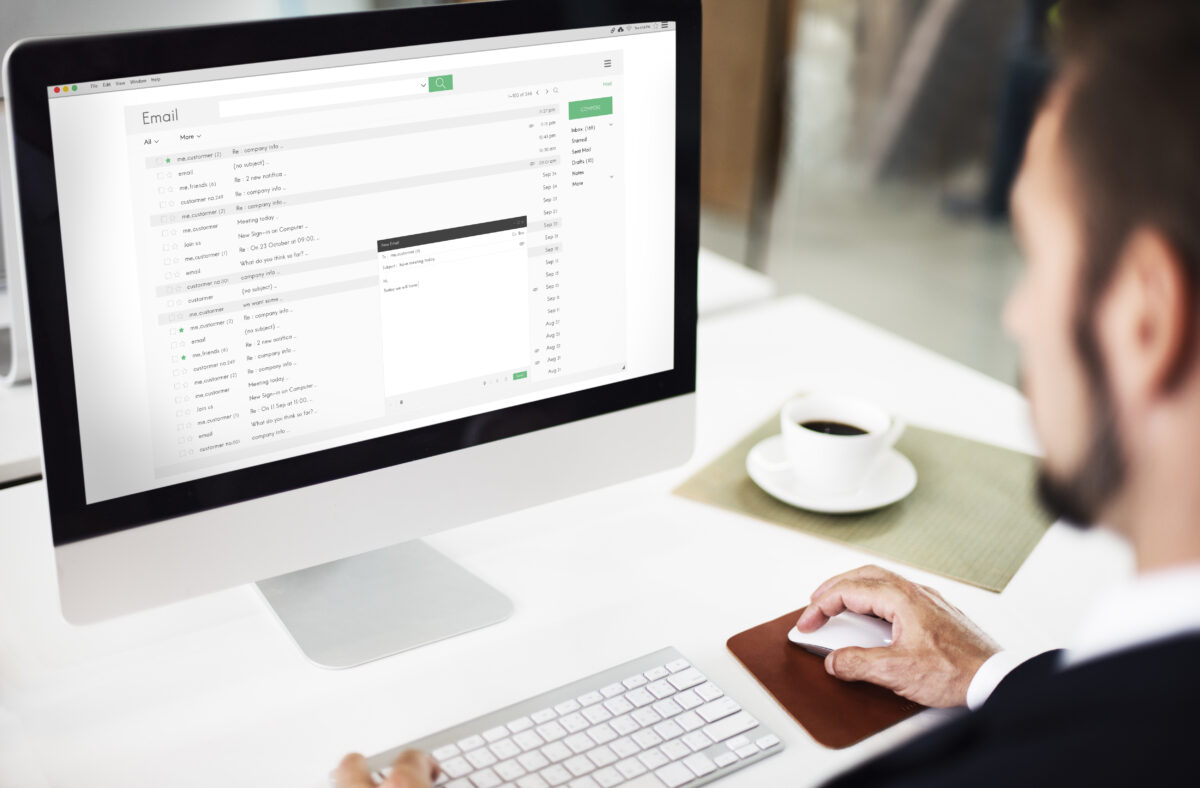
What is the best business phone to get in 2026?
Choosing the best business phone in 2026 comes down to one question: do you want a complete phone system for your team, or handsets for staff on the move? Most UK businesses end up needing both, and the good news is that modern cloud systems blur the line between the two.
This guide covers the top VoIP platforms, the mobile phones worth considering, and the features that actually matter when you’re comparing providers.
What is a business phone system and how does it work
The best business phone depends on what your company actually does day to day. For most UK businesses, the choice comes down to a VoIP phone system (calls over the internet) or mobile business phones (smartphones on a business contract). Many companies end up using both.
VoIP stands for Voice over Internet Protocol. It’s the technology that routes your calls through a broadband connection instead of old copper phone lines. You might also hear the term PBX, which stands for Private Branch Exchange. A PBX is the system that directs calls within your organisation, and these days most PBX systems live in the cloud rather than in a box at your office.
Here’s how the main options break down:
- Cloud VoIP system: Calls travel over your internet connection and work on desk phones, laptops, and mobiles.
- On-premise PBX: Hardware installed at your office that handles calls internally. Less common now, though some businesses still prefer it.
- Mobile business phone: A smartphone on a business contract, often bundled with data and minutes for your team.
The lines between these options have blurred quite a bit. A modern cloud phone system can ring your desk phone, laptop, and mobile all at once. That flexibility is a big reason why VoIP has become the go-to choice for UK businesses.
Best business phone systems for small business
Picking the right system comes down to three things: features, support, and how well it fits your team. Here’s a quick comparison of the main players:
| Provider | Best for | Key strength |
|---|---|---|
| Best 4 Business Communications | UK businesses wanting an all-in-one platform with local support | 24/7 UK support, CRM integrations, same-day setup |
| Zoom Phone | Teams already using Zoom | Seamless video meeting integration |
| GoTo Connect | Multi-site businesses | Easy admin across locations |
| Dialpad | AI-powered features | Real-time transcription and coaching |
| Ooma | Budget-conscious small businesses | Simple setup, affordable pricing |
1. Best business phone for UK small businesses wanting hands-on support: Best 4 Business Communications
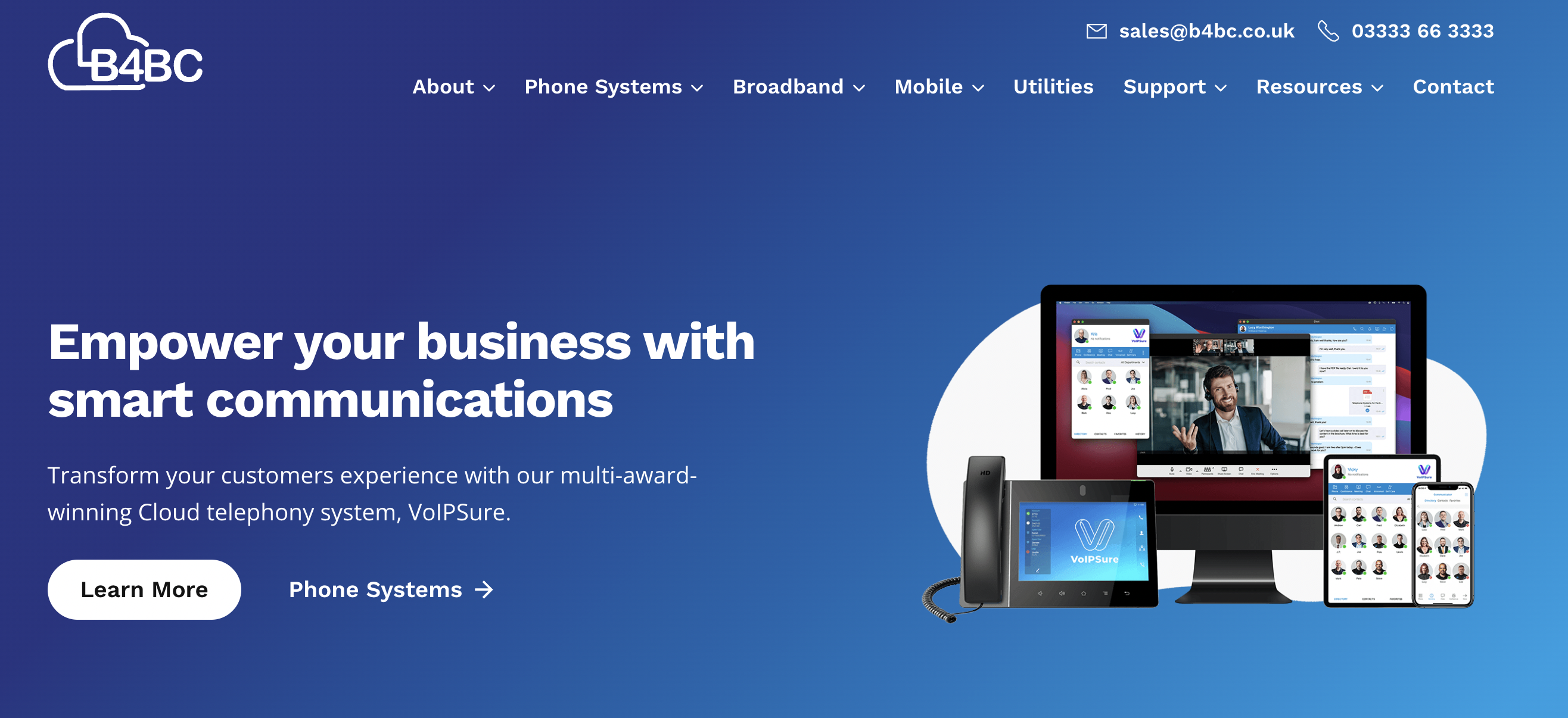
Best 4 Business Communications (B4BC) delivers a fully hosted phone solution designed specifically for UK SMEs. Rather than focusing on scale-first, global platforms, B4BC concentrates on making the best business phone experience simple, reliable, and well supported from day one.
Its VoIPSure platform replaces traditional phone lines with a modern cloud-based system, while removing much of the complexity that can come with switching providers. Setup, configuration, and number porting are handled by telecom specialists, making it well suited to businesses moving away from legacy phone systems.
Where B4BC stands out is its service-led approach. Small businesses get direct access to UK-based engineers who manage the system end to end, rather than relying on self-serve portals or overseas support teams.
The platform includes all the features most businesses need to handle calls professionally, including call routing, hunt groups, voicemail-to-email, call recording, and mobile and desktop softphone apps. Teams can answer calls from the office, from home, or on the move using the same business number.
B4BC also offers 24/7 UK-based support, which is a key factor when evaluating the best business phone for small teams that can’t afford downtime or delayed responses.
Best for:
UK small businesses that want a reliable, fully supported business phone system without technical complexity.
Key features:
- Fully hosted cloud business phone system
- UK-based onboarding and 24/7 support
- Call routing, hunt groups, and time-based rules
- Voicemail-to-email and call recording
- Mobile and desktop softphone apps
- Number porting and fast deployment
Why Best 4 Business Communications?
B4BC is a strong contender for the best business phone if you value service, simplicity, and local expertise. It offers modern phone features without the learning curve or management overhead of larger enterprise platforms, making it ideal for UK small businesses.
2. Best business phone for teams already using Zoom: Zoom Phone
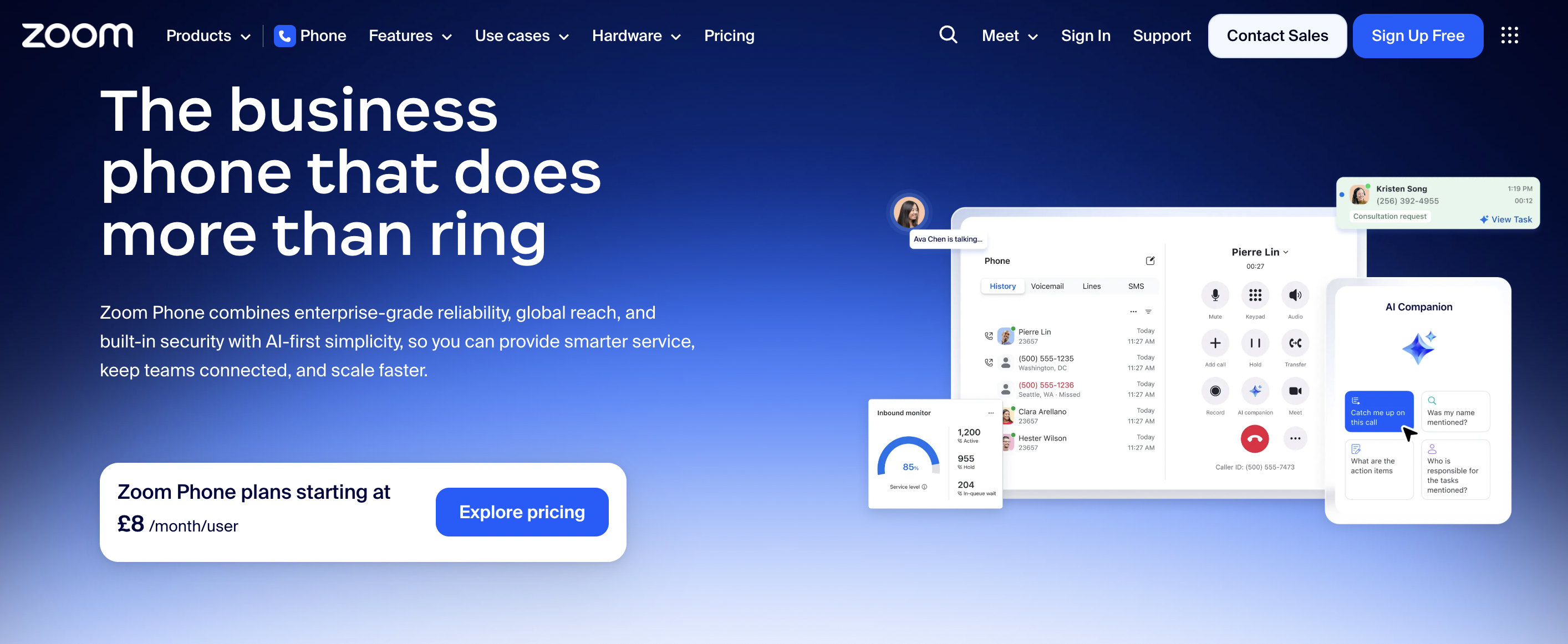
Zoom Phone is a cloud-based business phone system built into the wider Zoom platform. For companies already using Zoom Meetings, it offers a straightforward way to manage calls, video, and messaging from one familiar interface.
The platform replaces traditional phone lines with internet-based calling while keeping setup and day-to-day use simple. Employees can make and receive business calls through the same Zoom desktop and mobile apps they already use, reducing training time and friction.
Zoom Phone focuses on core telephony rather than complex call centre functionality. This makes it a practical choice for small teams looking for the best business phone without unnecessary configuration or admin overhead.
Features include call routing, auto-attendants, voicemail transcription, call recording, and easy switching between voice and video calls. Calls can be taken on desk phones, laptops, or mobiles using the same business number.
While Zoom Phone integrates tightly with the Zoom ecosystem, it offers fewer advanced call analytics and customisation options than some dedicated VoIP providers. Businesses with complex call flows may eventually need a more specialised system.
Best for:
Small businesses already using Zoom that want a simple, unified business phone solution.
Key features:
- Cloud-based business phone system
- Native integration with Zoom Meetings and Team Chat
- Call routing and auto-attendants
- Voicemail transcription and call recording
- Mobile and desktop softphone apps
- Simple setup and administration
Why Zoom Phone?
Zoom Phone is a strong option for businesses that want the best business phone experience with minimal disruption. It keeps communications in one place and offers an easy step away from traditional phone systems.
3. Best business phone for simple call handling and reliability: GoTo Connect
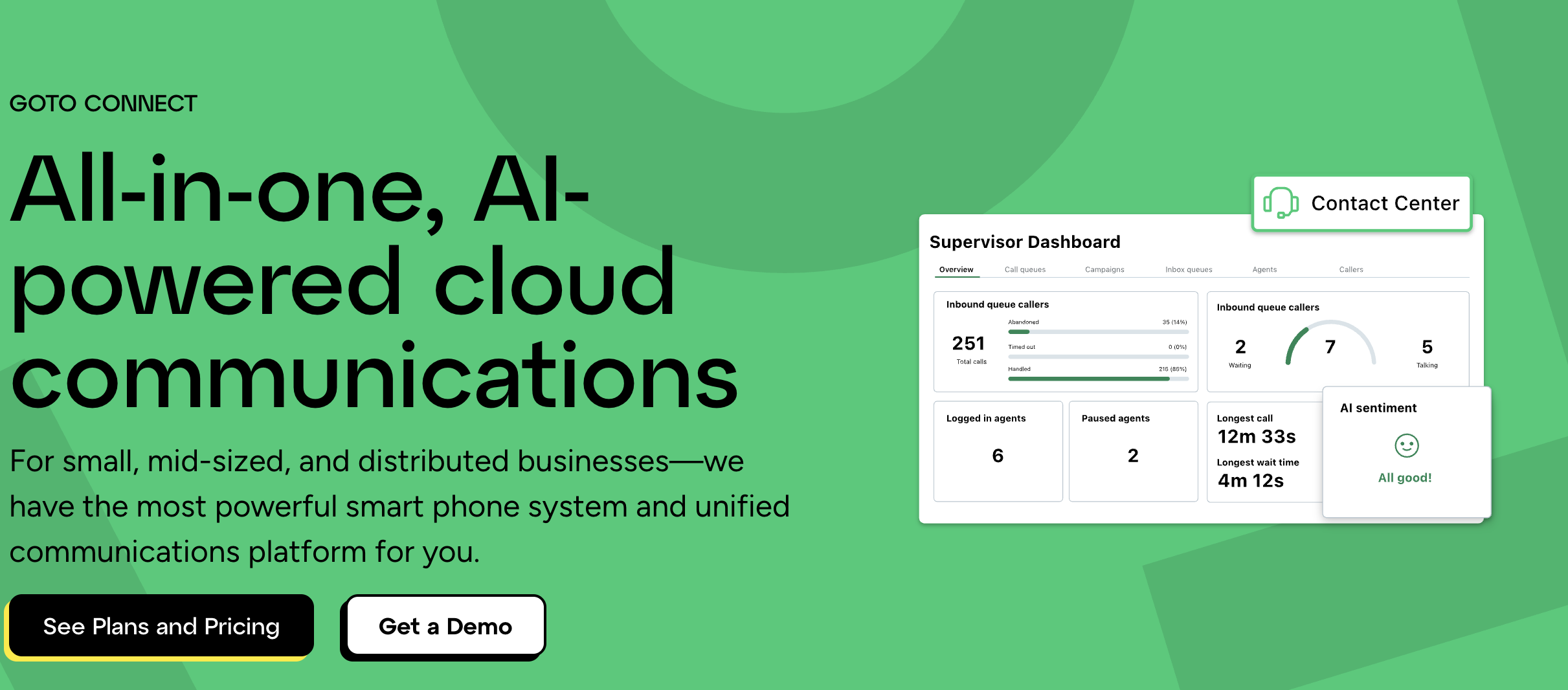
GoTo Connect is a cloud-based business phone system designed for small and mid-sized businesses that want reliable calling without complexity. It combines VoIP calling with video meetings and messaging in a single, easy-to-manage platform.
The system is known for its straightforward setup and intuitive admin tools. Call flows can be built visually using a drag-and-drop dial plan editor, making it easier for non-technical teams to configure routing, auto-attendants, and call handling rules.
For businesses prioritising simplicity and uptime, GoTo Connect is often considered a strong contender for the best business phone, especially where advanced call centre features aren’t required.
Core features include call routing, ring groups, auto-attendants, voicemail-to-email, and call recording. Mobile and desktop apps allow staff to take calls from anywhere, supporting hybrid and remote working without additional setup.
While GoTo Connect covers the essentials well, it offers fewer deep integrations and analytics than more enterprise-focused platforms. For many small businesses, this is a fair trade-off for ease of use and reliability.
Best for:
Small businesses that want a dependable, easy-to-manage business phone system with minimal configuration.
Key features:
- Cloud-based business phone system
- Visual dial plan editor for call routing
- Auto-attendants and ring groups
- Voicemail-to-email and call recording
- Mobile and desktop softphone apps
- Voice, video, and messaging in one platform
Why GoTo Connect?
GoTo Connect suits businesses that want the best business phone without overengineering. It delivers dependable calling, simple management, and a smooth transition away from traditional phone systems.
4. Best business phone for AI-powered call insights: Dialpad
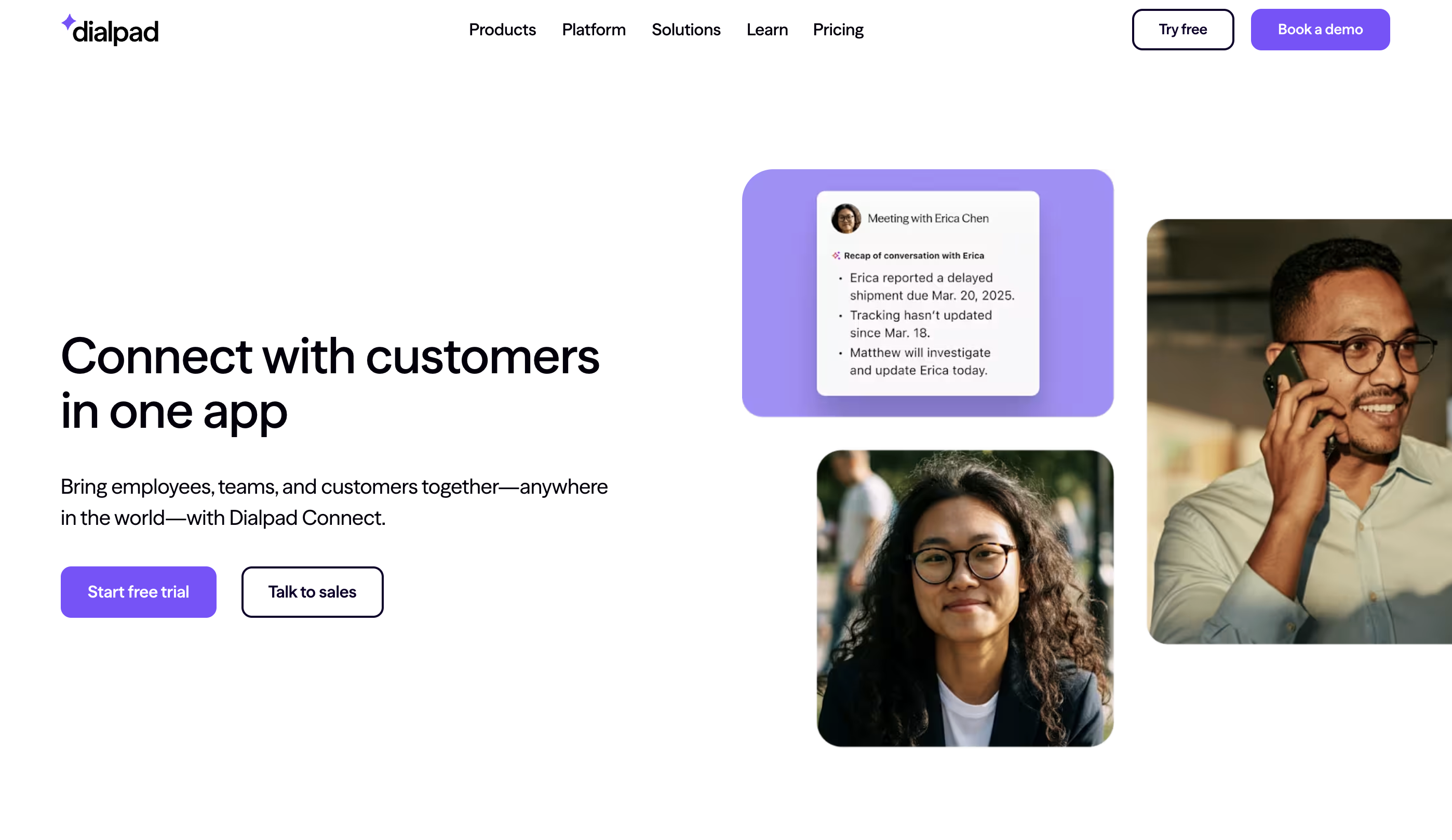
Dialpad is a cloud-based business phone system that stands out for its built-in AI features. It’s designed for small businesses that want more insight from their calls, not just basic calling functionality.
The platform combines VoIP calling with real-time transcription, call summaries, and AI-driven insights. This makes it particularly useful for sales and support teams that want visibility into conversations without manual note-taking or extra tools.
Dialpad’s interface is clean and modern, and setup is largely self-service. For teams comfortable managing software tools, it can feel like a forward-looking option for the best business phone, especially where conversation data matters.
Core features include call routing, auto-attendants, voicemail transcription, call recording, and mobile and desktop apps. Dialpad also integrates with tools like Google Workspace, Microsoft 365, and popular CRMs, helping teams keep communications connected.
While the AI features are a clear differentiator, businesses that just want straightforward calling may find parts of the platform unnecessary. It’s best suited to teams that will actively use the insights it provides.
Best for:
Small businesses that want AI-powered transcription, call insights, and conversation intelligence built into their phone system.
Key features:
- Cloud-based business phone system
- Real-time call transcription and AI summaries
- Call routing and auto-attendants
- Voicemail transcription and call recording
- Mobile and desktop softphone apps
- Integrations with Google Workspace and Microsoft 365
Why Dialpad?
Dialpad is a strong choice for businesses looking for the best business phone with intelligent features baked in. It goes beyond basic telephony, helping teams learn from conversations and improve performance over time.
5. Best business phone for cost-conscious small businesses: Ooma
Ooma offers a straightforward cloud-based phone service aimed at small businesses looking to keep costs low while moving away from traditional phone lines. Its platform focuses on essential calling features without the complexity or price tag of larger enterprise systems.
The system is easy to set up and manage, making it accessible for very small teams or owner-managed businesses. For companies comparing options for the best business phone on a tight budget, Ooma often stands out for its affordability and simplicity.
Ooma provides the core tools most small businesses need to handle calls professionally, without overwhelming users with advanced configuration or layered pricing.
Features include a virtual receptionist, call routing, ring groups, voicemail-to-email, and mobile and desktop apps. Businesses can take calls from the office or remotely using the same business number, supporting flexible working with minimal setup.
While Ooma covers the basics well, it offers fewer advanced analytics, integrations, and customisation options than more feature-rich platforms. Growing businesses may eventually outgrow it as call volumes and requirements increase.
Best for:
Small businesses and startups looking for a simple, affordable business phone system.
Key features:
- Cloud-based business phone system
- Virtual receptionist and call routing
- Ring groups and voicemail-to-email
- Mobile and desktop softphone apps
- Simple setup and administration
- Competitive pricing for small teams
Why Ooma?
Ooma is a solid option for businesses that want the best business phone at a lower cost and don’t need advanced features. It delivers reliable calling and an easy transition away from traditional phone systems, making it a practical starting point for smaller teams.
Key features to look for in a business telephone system
Not every feature matters to every business. But knowing what’s available helps you ask the right questions when you’re comparing providers.
Call forwarding and routing
Call forwarding redirects incoming calls to another number or device. Call routing sends calls to the right person or team based on rules you set. Both keep customers from hitting dead ends when they ring your business.
Call recording
Recording calls helps with training, compliance, and resolving disputes. If you take payments over the phone, look for PCI-compliant pause features that stop recording while customers share card details.
Auto attendant
An auto attendant is essentially a virtual receptionist. It greets callers and directs them using menu options like “Press 1 for sales.” This saves staff time and gives a professional first impression, even for smaller teams.
CRM integration
CRM stands for Customer Relationship Management. When your phone system integrates with your CRM, calls log automatically and customer details appear on screen during conversations. It’s a small thing that makes a noticeable difference to how your team handles enquiries.
Video conferencing
Many modern phone systems include video conferencing. It’s useful for remote teams and client meetings, especially if you want everything in one platform rather than paying for separate tools.
Mobile and desktop apps
Softphones let staff make and receive business calls from their personal laptops and mobiles without revealing their personal numbers. This flexibility supports remote and hybrid working without the cost of issuing separate devices.
Analytics and reporting
Call data shows you volumes, wait times, and staff performance. Managers use this information to spot problems and allocate resources more effectively.
How much does a business phone service cost
Pricing varies depending on whether you choose a cloud system or on-premise hardware. Understanding the models helps you budget accurately.
Cloud VoIP pricing
Most cloud VoIP providers charge per user, per month. This typically includes calls to UK landlines and mobiles. Flexible contracts mean you can scale up or down as your team changes, which is handy if you’re growing or have seasonal fluctuations.
On-premise system pricing
On-premise systems involve higher upfront costs for hardware. Ongoing costs are lower, but you’ll want IT resource to maintain and support the equipment over time.
Hardware and equipment costs
Desk phones, headsets, and accessories may be extra or bundled into your package. Some providers offer refurbished options to reduce costs without sacrificing quality.
VoIP vs traditional office phone systems
The UK’s traditional ISDN and analogue phone networks are being switched off by 2027. That deadline is driving businesses to migrate to VoIP, which is now considered the standard.
| Factor | VoIP/Cloud | Traditional ISDN/Analogue |
|---|---|---|
| Setup | Fast, often same-day | Requires engineer visit and line installation |
| Cost | Predictable monthly per-user fee | Line rental plus call charges |
| Flexibility | Work from anywhere | Tied to physical office |
| Features | Advanced (recording, routing, CRM) | Basic call handling |
| Future-proof | Yes | Being switched off across UK |
If you’re still on ISDN or analogue lines, now is the time to plan your move. Waiting until the deadline risks disruption and rushed decisions.
Best mobile business phones for UK teams

Sometimes “best business phone” means the handset itself. If you’re issuing mobiles to staff, here are the main options worth considering.
Apple iPhone
iPhones are reliable, have strong security, and are popular with staff already in the Apple ecosystem. They’re a common choice for professional services firms where consistency matters.
Samsung Galaxy
Samsung offers a versatile range, from flagship models to the rugged XCover series designed for field workers. Business-focused features and a wide price range make them adaptable to different roles.
Google Pixel
Pixels are known for excellent cameras and AI features. They receive regular security updates and offer good value as a mid-range option.
Worth noting: B4BC supplies business mobile packages on EE, Vodafone, and O2. That means you can pair your phone system with mobile contracts from a single provider, which simplifies billing and support.
How to choose the right phone system for your business
Picking a phone system doesn’t have to be complicated. Working through a few key questions helps narrow down your options.
1. Assess your team size and locations
How many users do you have? Do staff work remotely or across multiple sites? Cloud systems handle distributed teams well, while on-premise setups suit single-location businesses.
2. Identify must-have features
Review the features listed earlier in this article. Which ones are non-negotiable for your operations? Make a shortlist before you start comparing providers.
3. Set your budget
Decide whether you prefer predictable monthly costs (cloud) or a larger upfront investment (on-premise). Factor in hardware, training, and any migration costs.
4. Check support and uptime guarantees
Ask about support hours, response times, and service level agreements. UK-based support is particularly valuable when something goes wrong outside office hours.
5. Plan your migration from legacy systems
If you’re moving from ISDN or analogue, ask providers about number porting and transition support. A good provider handles the heavy lifting so you avoid downtime.
Get in touch with B4BC’s telecoms experts to talk through your options.
Business phone hardware and desk phone options
Some businesses prefer physical desk phones alongside or instead of softphone apps. Here’s what’s available.
IP desk phones
Modern desk phones connect to the internet rather than traditional phone lines. Options range from basic models to executive phones with large touchscreens.
Softphones
Softphones are apps that turn laptops and mobiles into business phones. No additional hardware is required, which keeps costs down and supports flexible working.
Headsets and accessories
Wireless and wired headsets are useful for hands-free calling. They’re particularly helpful for staff in call-heavy roles like sales or customer support.
Why UK businesses choose VoIPSure for business communications
VoIPSure brings together the features most UK businesses want: call forwarding, recording, CRM integrations, mobile apps, and local numbers anywhere. Setup typically happens within 24 hours, and support is UK-based and available 24/7.
B4BC also offers broadband, mobile, and IT support. That means you can work with a single provider for your entire communications stack, which simplifies billing and gives you one point of contact when questions come up.
Ready to upgrade your business phone system? Get in touch to speak with our telecoms experts.
Best business phone FAQs
The best phone for a business owner combines reliable call quality, mobile flexibility, and VoIP compatibility, allowing seamless communication across office, remote, and mobile working.
Most CEOs use premium smartphones paired with cloud phone systems, giving them mobility, call routing, voicemail access, and full business connectivity from anywhere.
A cloud-based VoIP phone system is best for small businesses, offering lower costs, scalability, remote working support, and advanced features without complex hardware.
The best business cell phone supports VoIP apps, strong security, long battery life, and easy integration with cloud phone systems for flexible working.