What is the best cloud PBX for your business?
What is the best VoIP phone system for small businesses in 2026?
Your phone system shapes how customers experience your business. A missed call or crackly line can cost you more than you’d think.
VoIP phone systems give small businesses the same professional features that larger companies rely on, without the expensive hardware or complicated setup. This guide covers the best options for UK businesses in 2026, what features actually matter, and how to make the switch from traditional landlines.
What is a VoIP phone system for small business?
A VoIP phone system for small business uses your internet connection to make and receive calls instead of traditional copper phone lines. VoIP stands for Voice over Internet Protocol, and it works by turning your voice into digital data that travels over broadband. For small businesses, this means professional phone features without the bulky hardware or complicated wiring.

The whole system runs in the cloud, so there’s no phone exchange box sitting in your office cupboard. You can take calls on a desk phone, your laptop, or a mobile app, all using the same business number.
- VoIP (Voice over Internet Protocol): Converts voice into digital data sent over broadband
- Cloud-based: No physical phone exchange on-site
- Multi-device: Works on desk phones, mobiles, laptops, and softphones
What is the best VoIP phone system for a small UK business?
The right provider depends on your team size, where your staff work, and which features matter most. Some providers focus on international calling, others on CRM integrations or AI tools. Here’s how the main options compare for UK small businesses.
| Provider | Best for | Standout feature |
|---|---|---|
| VoIPSure | UK businesses wanting local support | 24/7 UK-based support, same-day install |
| RingCentral | All-in-one communications | Voice, video, messaging in one platform |
| Nextiva | Reliability-focused teams | Industry-leading uptime |
| 8×8 | International calling | Global reach and contact centre features |
| Zoom Phone | Budget-conscious teams | Familiar interface, affordable plans |
1. Best for UK small businesses wanting hands-on support: Best 4 Business Communications
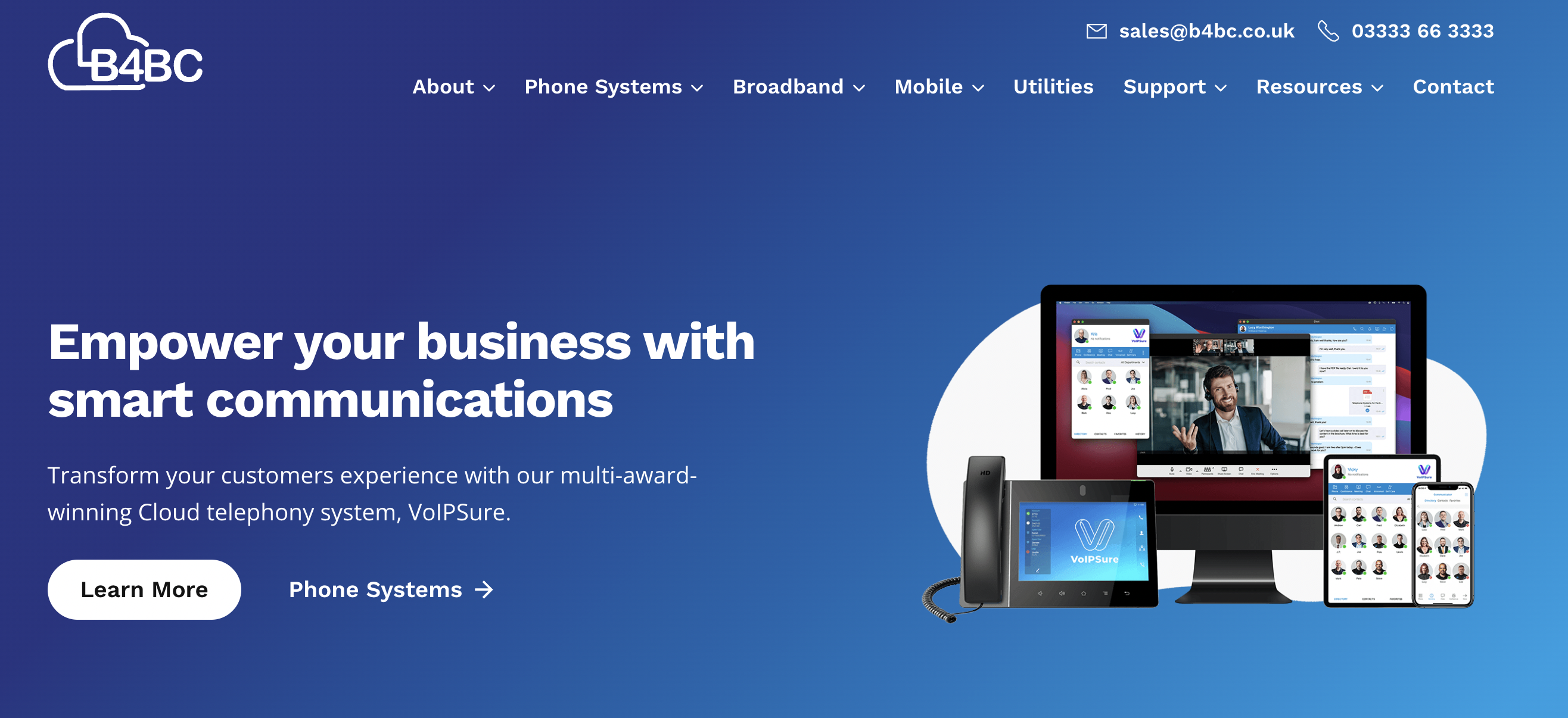
Best 4 Business Communications (B4BC) provides a UK-focused VoIP phone system for small business, combining cloud-based features with hands-on setup and ongoing support. Unlike global platforms built for scale first, B4BC is designed around the practical needs of UK SMEs.
Its VoIPSure platform delivers modern VoIP functionality without complexity. Small businesses get the benefits of a fully hosted phone system without needing in-house IT expertise or long onboarding cycles.
25+ advanced VoIP features
B4BC’s biggest strength is service-led delivery. Instead of self-serve portals and generic onboarding, businesses work directly with telecom specialists who handle system design, number porting, configuration, and optimisation. This makes it particularly well suited to small teams switching from legacy phone systems for the first time.
The platform supports all the core features most businesses need day to day, including call routing, voicemail-to-email, call recording, hunt groups, and mobile and desktop softphone apps. Teams can take calls in the office, at home, or on the move using the same business number.
5-star UK-based customer service
Another advantage is reliability and support. B4BC offers 24/7 UK-based support, meaning issues are handled quickly by engineers familiar with UK networks and regulations, rather than through overseas call centres or ticket-only systems.
The VoIPSure system is also built to scale gradually. Businesses can add users, numbers, or features as they grow, without replacing hardware or committing to oversized enterprise plans.
Best for:
UK small businesses that want a reliable VoIP phone system with personalised setup, local support, and minimal technical overhead.
Key features:
- Fully hosted VoIP phone system for small businesses
- UK-based 24/7 support and onboarding assistance
- Call routing, hunt groups, and time-based rules
- Voicemail-to-email and call recording
- Mobile and desktop softphone apps
- Number porting and rapid deployment, often within 24 hours
Why Best 4 Business Communications?
B4BC is a strong choice for small businesses that value service, simplicity, and local expertise. It delivers the core benefits of VoIP without the complexity of enterprise platforms, making it ideal for teams that want to switch confidently and keep their phone system running smoothly.
2. Best for feature-rich communications at scale: RingCentral
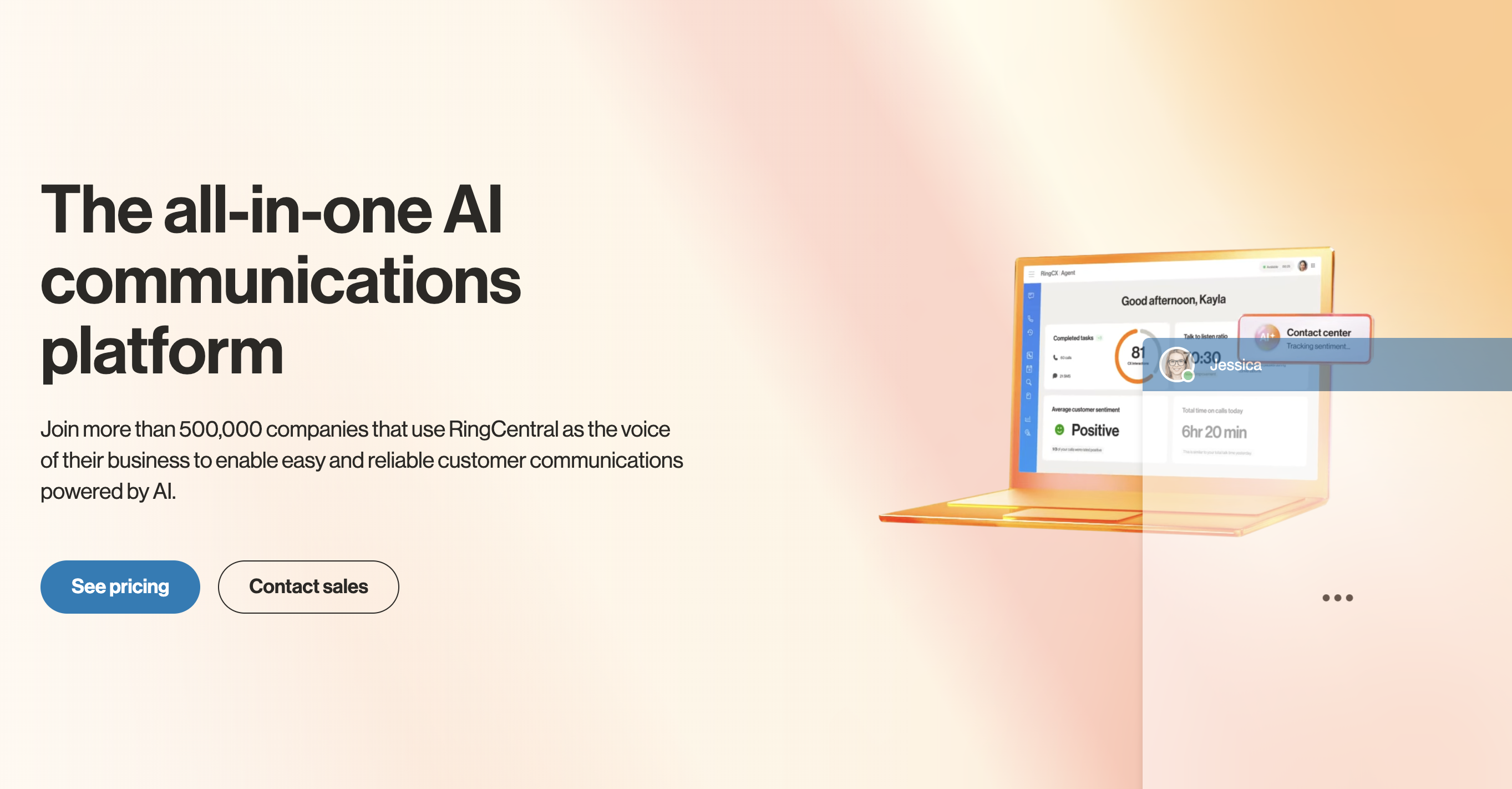
RingCentral is a well-known cloud communications platform offering a comprehensive VoIP phone system for small business as well as larger, multi-site organisations. It combines voice calling with video meetings, messaging, and collaboration tools in a single platform.
The platform is designed for flexibility and scale. Small businesses can start with core calling features and expand into advanced analytics, call queues, and integrations as their needs grow. This makes RingCentral popular with companies expecting rapid expansion or operating across multiple locations.
Where RingCentral stands out is depth of functionality. It offers one of the most feature-complete VoIP platforms on the market, though this can feel overwhelming for very small teams without dedicated IT support.
RingCentral supports advanced call handling, including auto-attendants, call queues, IVR menus, and detailed call reporting. Mobile and desktop apps allow teams to take calls from anywhere, while integrations with tools like Microsoft Teams, Salesforce, and Google Workspace help centralise communications.
The system is highly configurable, but setup and ongoing management are typically more self-service than provider-led. For some small businesses, this flexibility is a strength. For others, it can add complexity compared to more hands-on UK providers.
Best for:
Growing small businesses and mid-sized teams that want advanced features, deep integrations, and room to scale internationally.
Key features:
- Cloud-based VoIP phone system with global reach
- Advanced call routing, IVR, and call queues
- Voice, video, and team messaging in one platform
- Mobile and desktop softphone apps
- Integrations with Microsoft Teams, Salesforce, and Google Workspace
- Detailed call analytics and reporting
Why RingCentral?
RingCentral is a strong option for small businesses that want a powerful, all-in-one communications platform and are comfortable managing a feature-rich system. It’s particularly well suited to teams planning to scale or operate across multiple locations.
3. Best for customer service–focused small businesses: Nextiva
Nextiva is a US-based communications provider offering a cloud VoIP phone system for small business alongside customer experience and contact centre tools. Its platform is designed to help small teams manage calls professionally while improving visibility into customer interactions.
The system combines voice calling with analytics and CRM-style insights, making it appealing to businesses that rely heavily on inbound calls. Setup is largely self-service, with guided onboarding and a structured admin portal for managing users and call flows.
Nextiva’s strength lies in tying phone activity to customer data. For small businesses focused on service quality, sales conversations, or call handling performance, this data-led approach adds value beyond basic VoIP functionality.
Call routing, auto-attendants, voicemail-to-email, and call queues are included as standard, helping teams manage higher call volumes without missed enquiries. Mobile and desktop apps support remote and hybrid working, while built-in reporting gives visibility into call volumes, response times, and agent performance.
Nextiva also offers CRM and helpdesk-style features within its higher-tier plans. While this reduces reliance on third-party tools, some small businesses may find they’re paying for features they don’t fully use.
Best for:
Small businesses that handle high call volumes and want stronger visibility into customer interactions and team performance.
Key features:
- Cloud-based VoIP phone system for small businesses
- Advanced call routing, queues, and auto-attendants
- Built-in analytics and call performance reporting
- Mobile and desktop softphone apps
- CRM-style customer insights on higher-tier plans
- Scalable plans to support growing teams
Why Nextiva?
Nextiva suits small businesses that view their phone system as a customer experience tool rather than just a way to make calls. Its reporting and insights help teams improve responsiveness, though simpler businesses may prefer a leaner setup.
4. Best for small businesses with international calling needs: 8×8
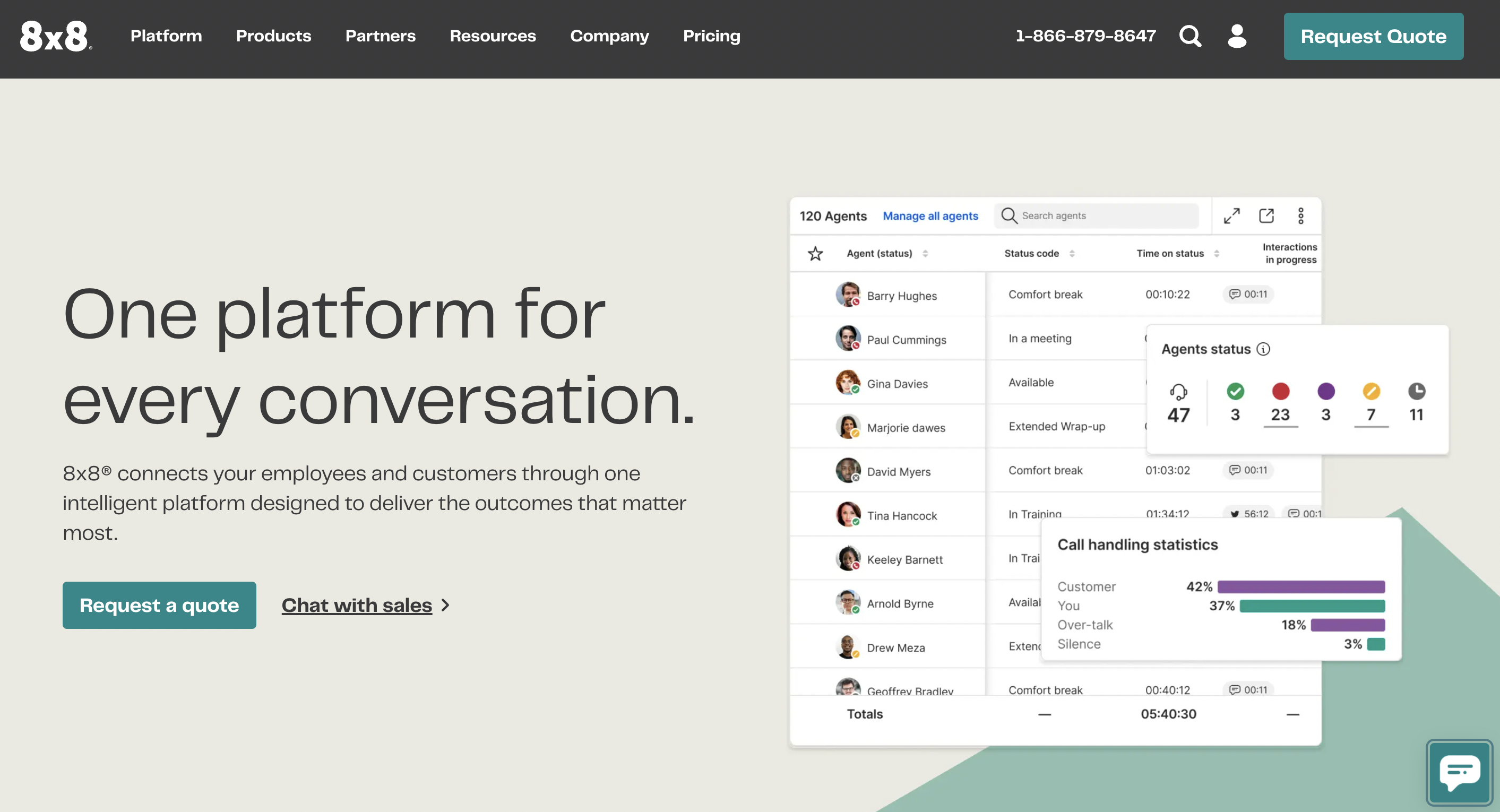
8×8 is a global cloud communications provider offering a robust VoIP phone system for small business alongside contact centre and unified communications tools. Its platform is built for organisations that need reliable calling across regions without managing multiple vendors.
The service combines voice, video, messaging, and contact centre features in one system. Small businesses can start with core calling and expand into more advanced capabilities as their requirements grow, particularly if they operate internationally.
8×8’s standout feature is its inclusive approach to global calling. Many plans include unlimited international calls to selected countries, which can significantly reduce costs for businesses with overseas customers, suppliers, or remote teams.
The platform includes standard VoIP features such as auto-attendants, call queues, call recording, voicemail-to-email, and mobile and desktop apps. Built-in analytics provide visibility into call performance and usage across teams and locations.
As with other enterprise-leaning platforms, setup and management are largely self-service. This flexibility suits businesses with internal technical confidence but may feel complex for very small teams seeking guided onboarding.
Best for:
Small businesses with international operations or frequent overseas calling requirements.
Key features:
- Cloud-based VoIP phone system with global coverage
- Unlimited international calling on selected plans
- Auto-attendants, call queues, and call recording
- Mobile and desktop softphone apps
- Voice, video, and messaging in one platform
- Analytics and reporting across regions
Why 8×8?
8×8 is a strong choice for small businesses that need predictable international calling costs and a single communications platform to support distributed teams. It’s best suited to organisations comfortable managing a feature-rich system.
5. Best for small businesses already using Zoom: Zoom Phone
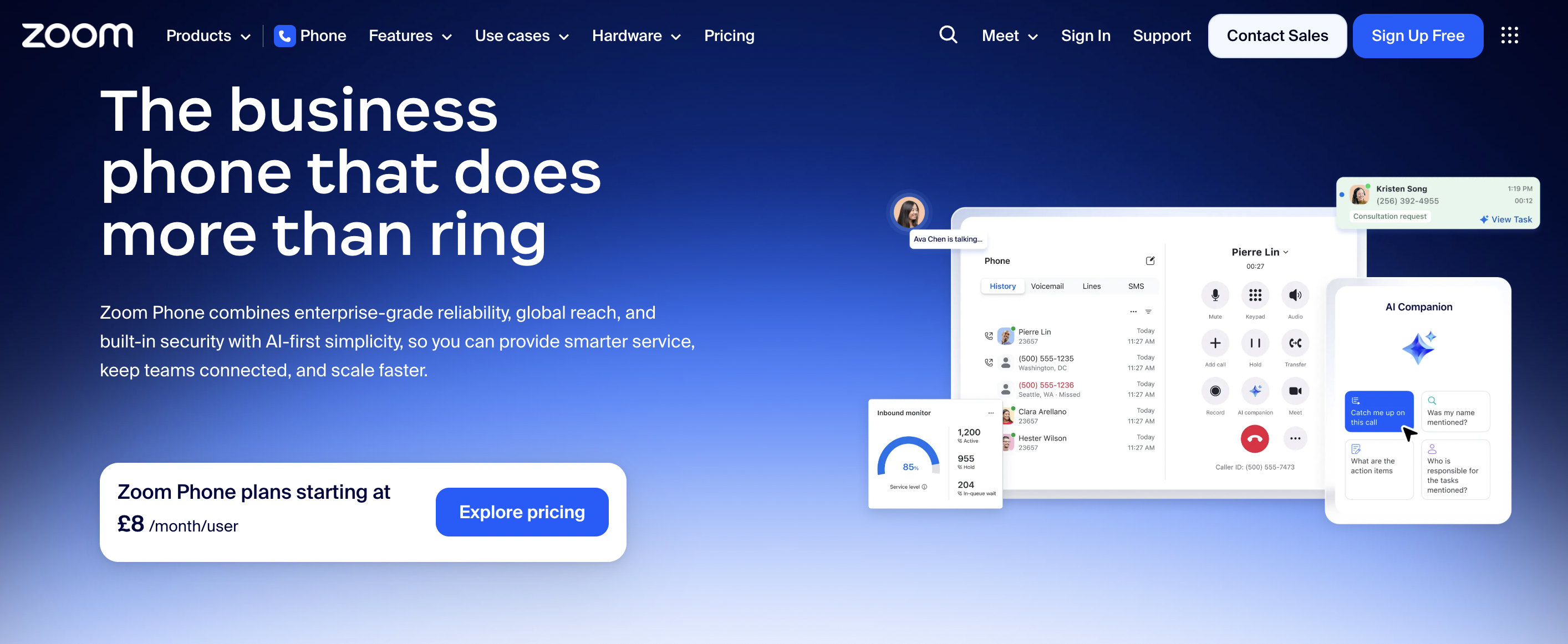
Zoom Phone is a cloud-based VoIP phone system for small business built into the wider Zoom platform. It’s designed for teams that already rely on Zoom Meetings and want to manage calls, video, and messaging from a single interface.
The system replaces traditional phone lines with internet-based calling while keeping the familiar Zoom user experience. For small businesses, this reduces the learning curve and simplifies adoption, especially for teams already comfortable with Zoom’s desktop and mobile apps.
Zoom Phone focuses on simplicity and consistency rather than deep telephony complexity. It delivers core VoIP functionality without overwhelming users, making it a practical option for smaller teams and hybrid workers.
Features include call routing, auto-attendants, voicemail transcription, call recording, and seamless switching between voice and video calls. Employees can take calls on desk phones, laptops, or mobiles using the same business number.
While Zoom Phone integrates well within the Zoom ecosystem, it offers fewer advanced call analytics and telephony controls than more enterprise-focused platforms. Businesses with complex call flows or contact centre needs may outgrow it over time.
Best for:
Small businesses already using Zoom that want a simple, unified VoIP phone system with minimal setup.
Key features:
- Cloud-based VoIP phone system for small businesses
- Native integration with Zoom Meetings and Team Chat
- Auto-attendants and call routing
- Voicemail transcription and call recording
- Mobile and desktop softphone apps
- Simple administration and user management
Why Zoom Phone?
Zoom Phone is a natural fit for small businesses invested in the Zoom ecosystem. It keeps communications in one place and offers an easy step away from traditional phone systems without unnecessary complexity.
What features to look for in small business VoIP
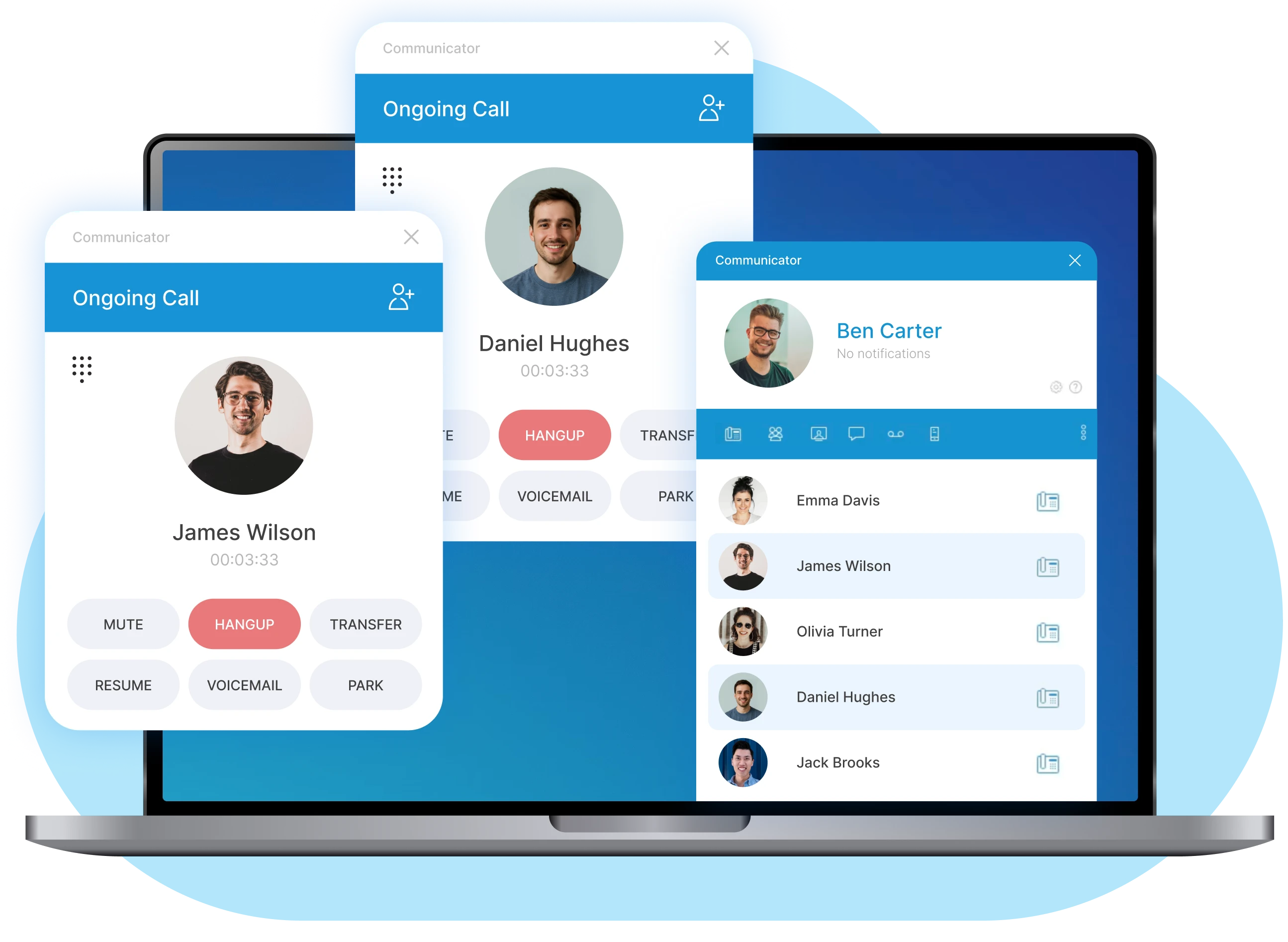
The right features can change how your team handles calls. Here’s what to look for when comparing providers.
1. Call forwarding and smart routing
Call forwarding sends incoming calls to another number when you’re unavailable. Smart routing goes further by directing calls to the right person based on rules you set, like time of day or caller location.
2. Auto attendant and IVR
An auto attendant greets callers and offers menu options. IVR (Interactive Voice Response) lets callers navigate using their keypad. Both create a professional first impression without extra staff.
3. Call recording and compliance
Call recording helps with training and dispute resolution. If your team takes card payments over the phone, look for PCI-compliant pause features that stop recording during sensitive information.
4. CRM and software integrations
Connecting your phone system to tools like Microsoft Teams or Salesforce saves time. Click-to-call and automatic call logging mean less manual data entry.
5. Mobile and desktop apps
Softphones turn your computer or mobile into a business phone. Your team can make calls using the company number from anywhere with internet access.
6. Video conferencing
Many VoIP platforms include video as standard. This proves useful for client meetings and team catch-ups without switching apps.
7. Voicemail to email
Voicemails arrive as audio files or transcriptions in your inbox. Staff can respond faster, especially when away from their desk.
8. Call analytics and reporting
Call data shows volumes, peak times, and missed calls. This helps with staffing decisions and customer service improvements.
Why small businesses choose VoIP over traditional phones
VoIP has become the default for small businesses, with over 70% of businesses now using it, and the reasons go beyond cost.

Lower monthly costs
Traditional phone lines come with line rentals, per-minute charges, and maintenance fees. VoIP bundles everything into predictable monthly costs per user, enabling businesses to reduce telecommunications costs by 50%.
Flexibility for remote and hybrid teams
Your team can work from home or a client site while using the same business number. Calls follow them across devices.
Easy scalability
Adding a new team member takes minutes. You won’t wait for an engineer visit or new line installation.
Professional features at affordable prices
Features like auto attendant and call recording were once only available to large companies. VoIP makes them accessible to businesses of any size.
Better call quality and reliability
HD voice over modern broadband often sounds clearer than traditional landlines. Cloud systems also offer redundancy, so calls route through backup servers if one has issues.
Business VoIP vs traditional phone systems
Choosing between a traditional phone system and VoIP is a common decision for UK businesses. While both allow you to make and receive calls, the way they work and what they offer day to day is very different. Understanding these differences can help you decide which option fits your business now and in the future.
| Factor | Traditional landlines | VoIP phone systems |
|---|---|---|
| Infrastructure | Copper wires, on-site PBX | Internet connection, cloud-hosted |
| Setup time | Days or weeks | Often same-day |
| Scalability | Engineer visits required | Add users online |
| Remote working | Limited | Full flexibility |
| Features | Basic | Advanced (recording, analytics, integrations) |
| Monthly costs | Higher line rentals | Predictable per-user pricing |
How do traditional landlines work?
Traditional phone systems use the Public Switched Telephone Network, sending voice signals over copper wires from one location to another. Later upgrades such as ISDN moved calls to a digital format but still relied on the same underlying infrastructure.
This network is now ageing and expensive to maintain. As a result, both PSTN and ISDN services are being switched off across the UK, meaning businesses using traditional phone lines will need to move to an alternative solution.
How do VoIP phone systems work?
VoIP works by converting your voice into small data packets and sending them over your broadband connection. These packets are received and converted back into sound at the other end, all in real time.
Because the system is cloud-hosted, there is no need for bulky on-site hardware. Calls can be made from desk phones, laptops or mobile apps, giving businesses far more flexibility in how and where they work.
How much does a VoIP phone system cost for small business?

Pricing varies between providers, but understanding the model helps you compare quotes.
Per-user pricing explained
Most providers charge a monthly fee per user. This usually includes calls, features, and support. Higher tiers unlock advanced features like call recording or CRM integrations.
Hardware and equipment costs
IP desk phones are optional. Many businesses use softphones on existing computers and mobiles. Refurbished handsets offer savings if you prefer physical phones.
Hidden costs to watch for
- Setup or activation fees: Some providers charge to get started
- Number porting costs: Moving existing numbers may incur a fee
- International calling: Often charged separately
- Premium features: Advanced analytics may cost extra
- Contract exit fees: Check terms before signing
How to choose the right business VoIP provider
Choosing the right business VoIP provider does not need to be complicated. Focusing on a few key areas can quickly narrow down your options and help you make a confident decision.

- Assess your current and future call needs. Think about how many users you have today and where your business is likely to be in the next two years. It is also worth considering how often you make international calls and whether that could increase.
- Evaluate uptime and UK-based support. Look for providers offering uptime guarantees of 99.99% or higher. UK-based support can make a real difference, especially when you need help during local business hours.
- Check CRM and software integrations. Make sure the VoIP system works smoothly with the tools you already use, such as your CRM or helpdesk software, before committing.
- Review contract terms and flexibility. Flexible contracts allow you to scale up or down without penalties. Check what happens if you need to add users or change plans partway through your contract.
Want help choosing? Get in touch with our telecoms experts for a free consultation.
How to set up a VoIP phone system for your business
Setting up a VoIP phone system is usually quicker and simpler than most businesses expect. With the right preparation, you can be up and running with minimal disruption to your day-to-day operations.
1. Check your internet connection
VoIP relies on a stable and reliable broadband connection to deliver clear call quality. A basic connection is often fine for small teams, but larger offices or call-heavy environments benefit from business-grade options such as FTTP, which offers higher speeds and better reliability.
2. Choose your VoIP provider and plan
Take time to compare providers based on features, support and pricing. It is worth looking beyond headline costs and checking what is included, such as call allowances and support levels. Many providers offer free trials, which can help you test the service before committing.
3. Select hardware or softphone setup
Decide how your team will make and receive calls. Some businesses prefer IP desk phones, while others use mobile apps or desktop softphones. A combination often works best, giving staff flexibility in the office and when working remotely.
4. Port your existing phone numbers
Number porting allows you to keep your current business numbers when moving to VoIP. Your provider will manage the process and timing, helping to ensure there is no loss of service during the switch.
5. Configure features and add users
Use the admin portal to set up call routing, auto attendant messages and voicemail settings. You can also add users, assign permissions and customise features to match how your business operates.
6. Train your team
Even though VoIP systems are user-friendly, a short walkthrough helps everyone feel confident. This ensures your team makes the most of features like call transfers, voicemail and mobile apps from day one.
Why the UK ISDN switch-off makes VoIP essential
BT is switching off ISDN and PSTN landlines across the UK by January 2027. 2.4 million UK businesses still using traditional analogue or ISDN phone lines will lose service unless they migrate.
- What’s happening: The traditional copper phone network is being retired
- Who’s affected: Any business using analogue or ISDN phone lines
- What to do: Migrate to a VoIP phone system before the deadline
- Support available: Providers like B4BC handle end-to-end migration
What equipment do you need for business VoIP
The equipment needed for a business VoIP system is usually minimal and flexible. Many businesses already have most of what they need, with a few additions depending on how their teams work.

IP desk phones
These are purpose-built phones that connect directly to your internet network rather than a traditional phone line. They offer a familiar handset experience and often include features such as HD audio and programmable buttons. Refurbished models are a cost-effective option for businesses looking to keep setup costs down.
Softphones and mobile apps
Softphones are apps that turn a computer, tablet or mobile phone into a business phone. They are typically included free with most VoIP subscriptions and are ideal for remote workers or teams on the move. Calls, voicemails and contacts all sync across devices.
Headsets and accessories
A good-quality headset can make a big difference to call clarity and comfort, especially for staff who spend long periods on the phone. Noise-cancelling options help reduce background noise in busy offices or home working environments.
Routers and network hardware
Reliable network equipment helps ensure consistent call quality. Business-grade routers can prioritise voice traffic using Quality of Service settings, reducing the risk of dropped calls or poor audio when your network is busy.
Why UK businesses trust VoIPSure for small business phone systems
VoIPSure offers 99.999% uptime, same-day installation, and 24/7 support from UK-based engineers.
- 24/7 UK-based support: Speak to real engineers, not offshore call centres
- Same-day installation: Get up and running quickly
- Flexible contracts: No long tie-ins
- CRM integrations: Connect to Microsoft Teams, HubSpot, Salesforce
- ISDN migration specialists: Smooth transition from legacy systems
Ready to upgrade your business phone system? Get in touch with our telecoms experts for a free consultation.
VoIP phone system for small business FAQs
Yes. Number porting transfers your existing business numbers to your new provider. The process typically takes a few days, and your provider handles the paperwork.
A stable connection matters more than raw speed. Each simultaneous call uses roughly 100kbps. A standard fibre connection handles most small business needs.
Most providers offer automatic failover. Calls can forward to mobile numbers during outages. Some businesses keep a 4G backup connection.
Reputable providers use encryption to protect calls. Look for TLS and SRTP encryption, and check that data centres meet security standards.
Many providers offer flexible monthly plans. Annual contracts sometimes offer better value, but check cancellation terms.
Most platforms integrate with popular CRM tools like Salesforce, HubSpot, and Zoho. Integrations enable click-to-call and automatic call logging.
